114+ tools across 13 categories — every tool handled by our team at a flat ₹1,000 per service. Order instantly on WhatsApp.
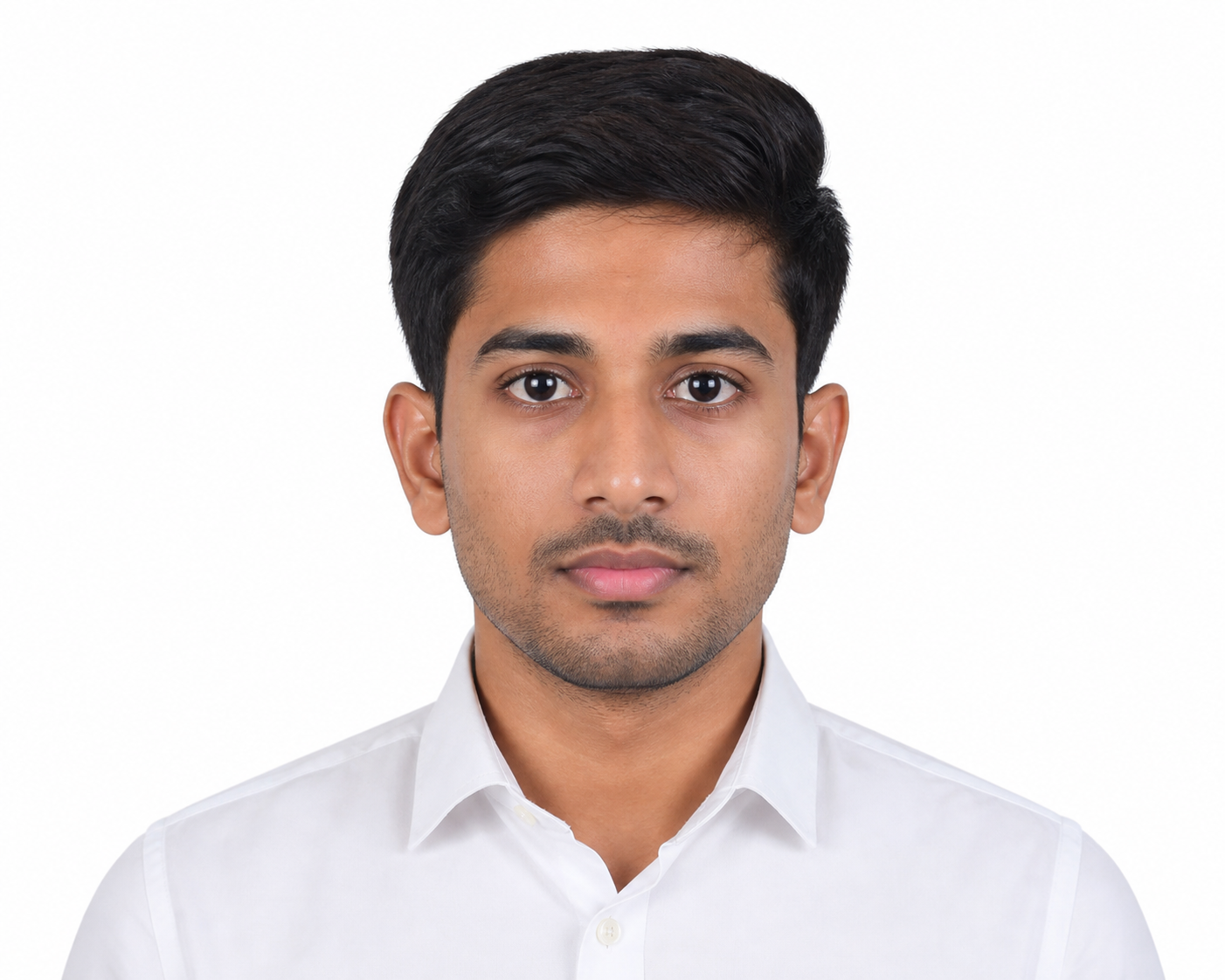
Create standard passport-size photos with correct dimensions and a clean white background in seconds.

Compress your image to an exact file size in KB without any visible loss in quality.

Resize your photo to precise pixel width and height for any platform or purpose.
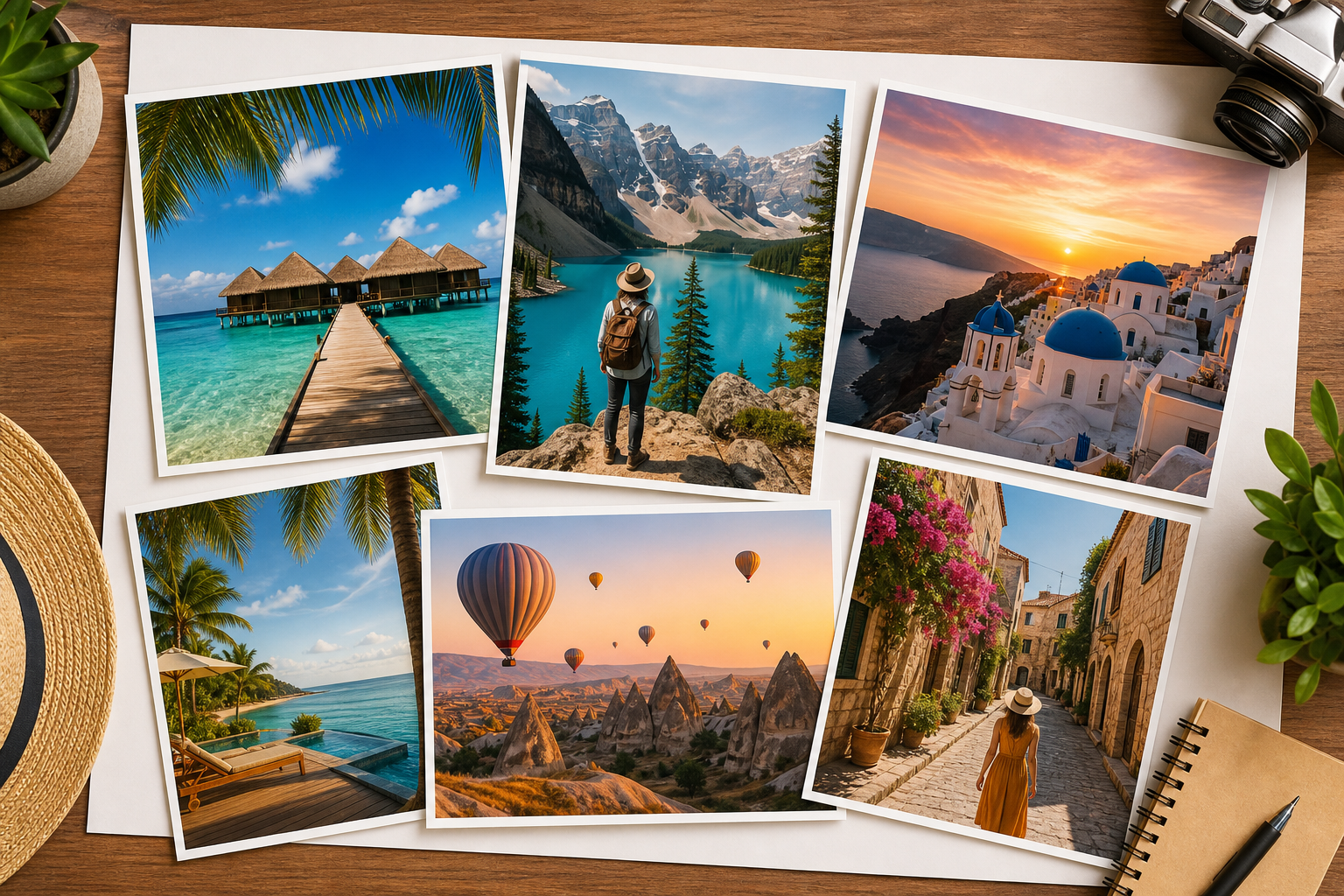
Combine multiple photos into a beautiful collage with customisable layouts and borders.

Create a clean digital signature from your name or handwriting for documents and forms.

Increase the file size of an image to meet minimum upload size requirements.

Automatically enhance sharpness, brightness and colours using AI for a professional finish.
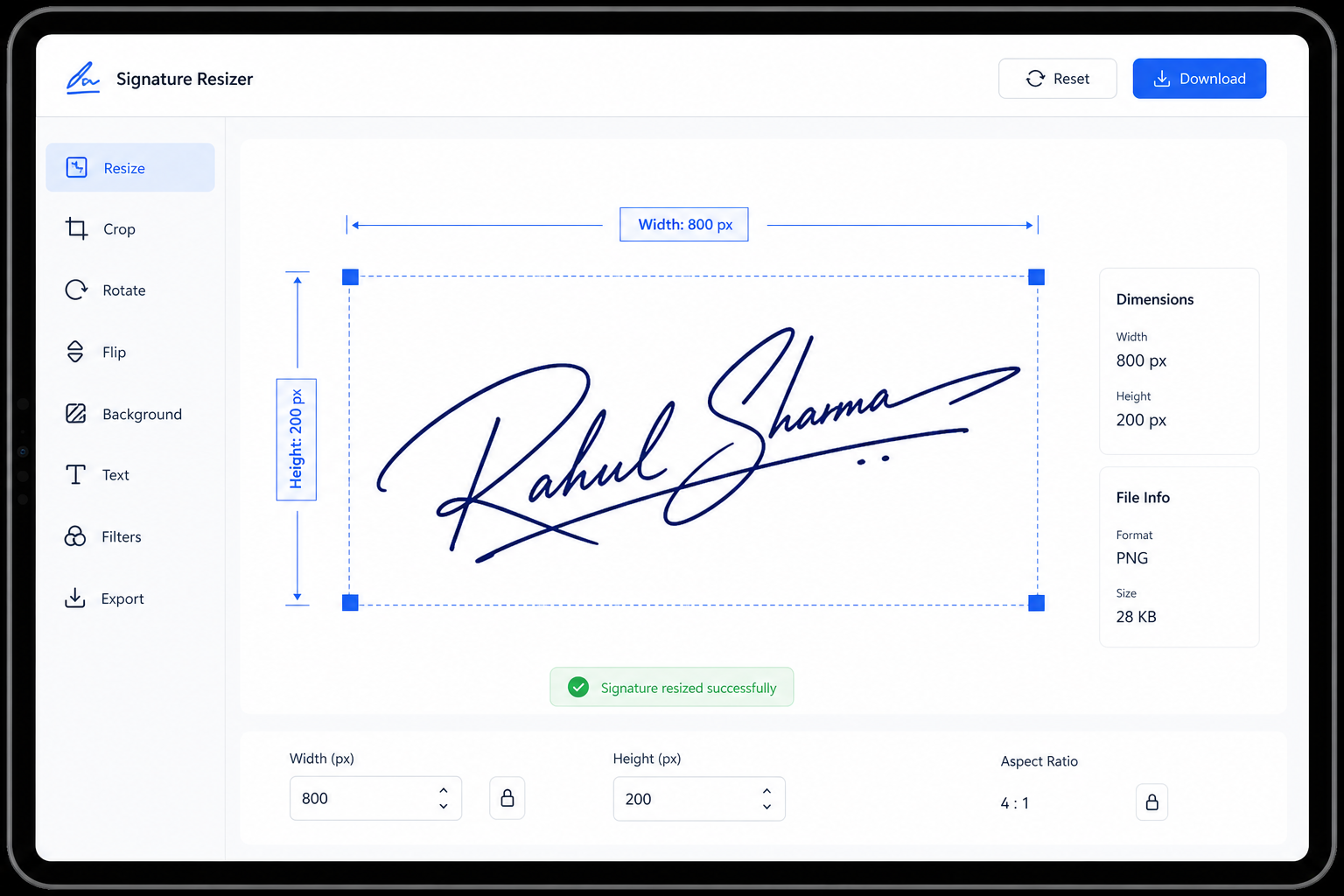
Resize your signature image to the exact pixel or centimetre dimensions required.

Set precise centimetre measurements for your image, ideal for print and official forms.
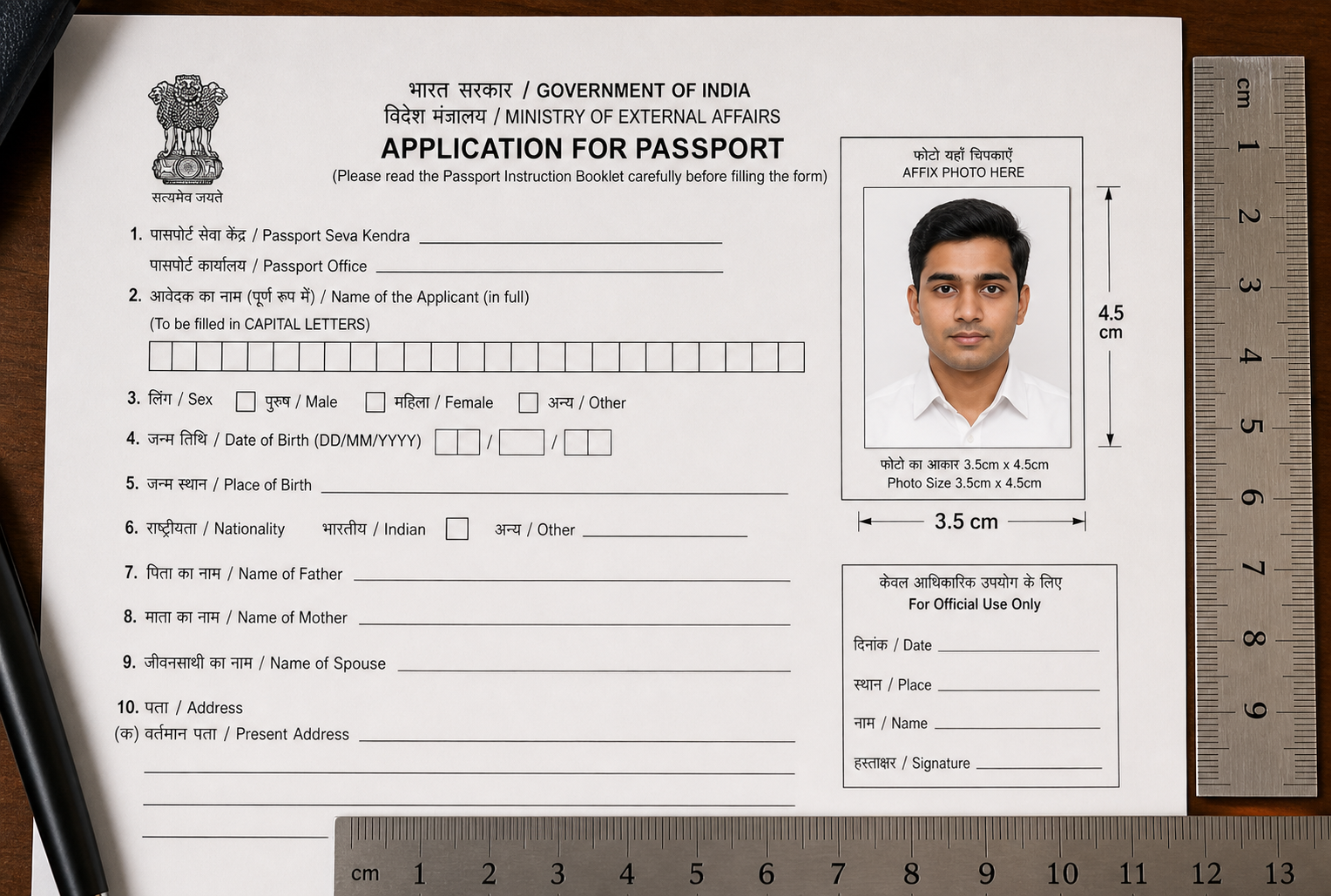
Quickly resize any photo to the standard 3.5 × 4.5 cm document format used in India.

Blur the background of a portrait to create a professional depth-of-field studio effect.
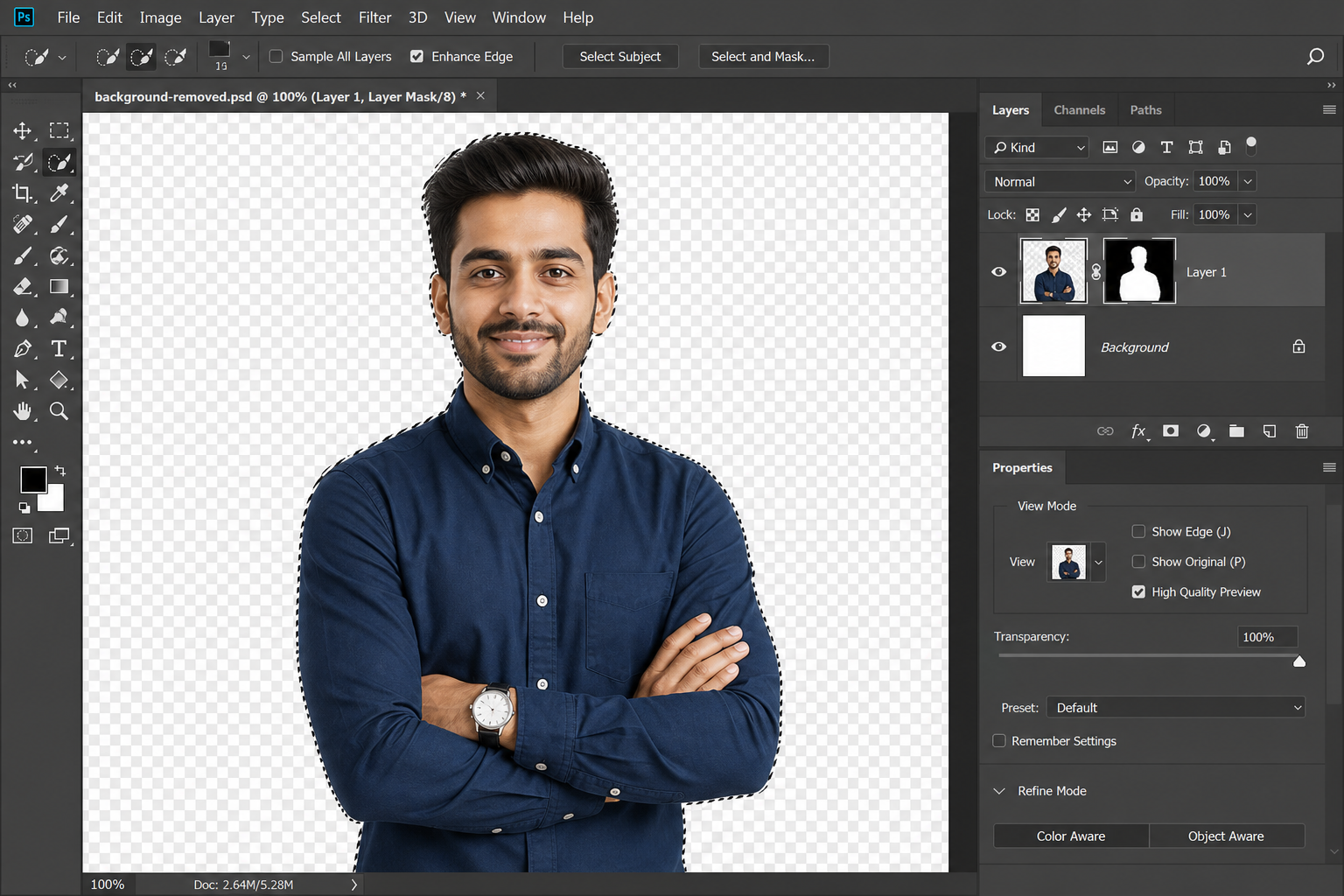
Automatically remove the background from any photo with a single click.
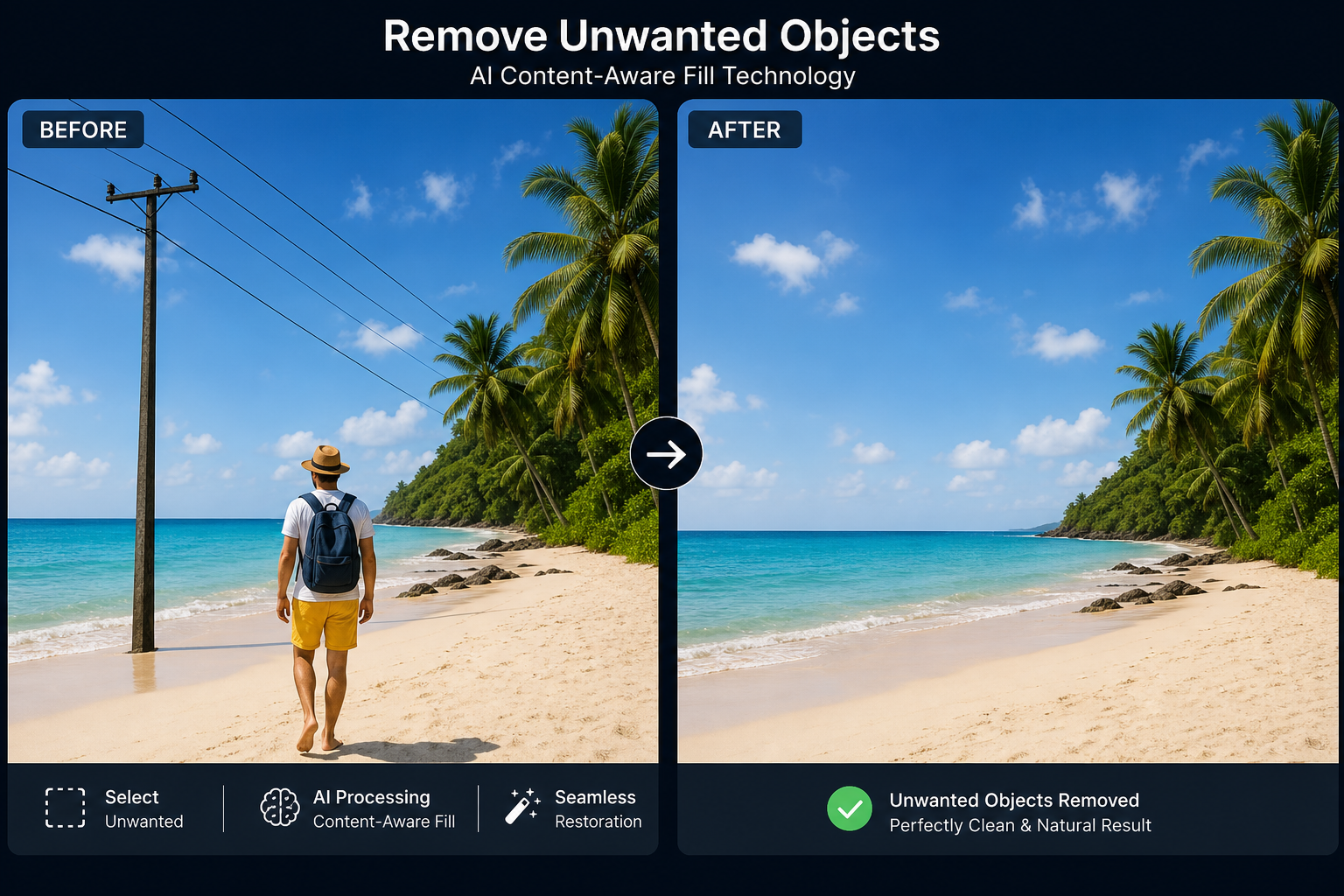
Erase unwanted objects, people or distractions from your images cleanly.

Overlay name and date of birth text onto a photo for ID cards and certificates.

Rotate your image 90°, 180°, 270° or any custom angle.
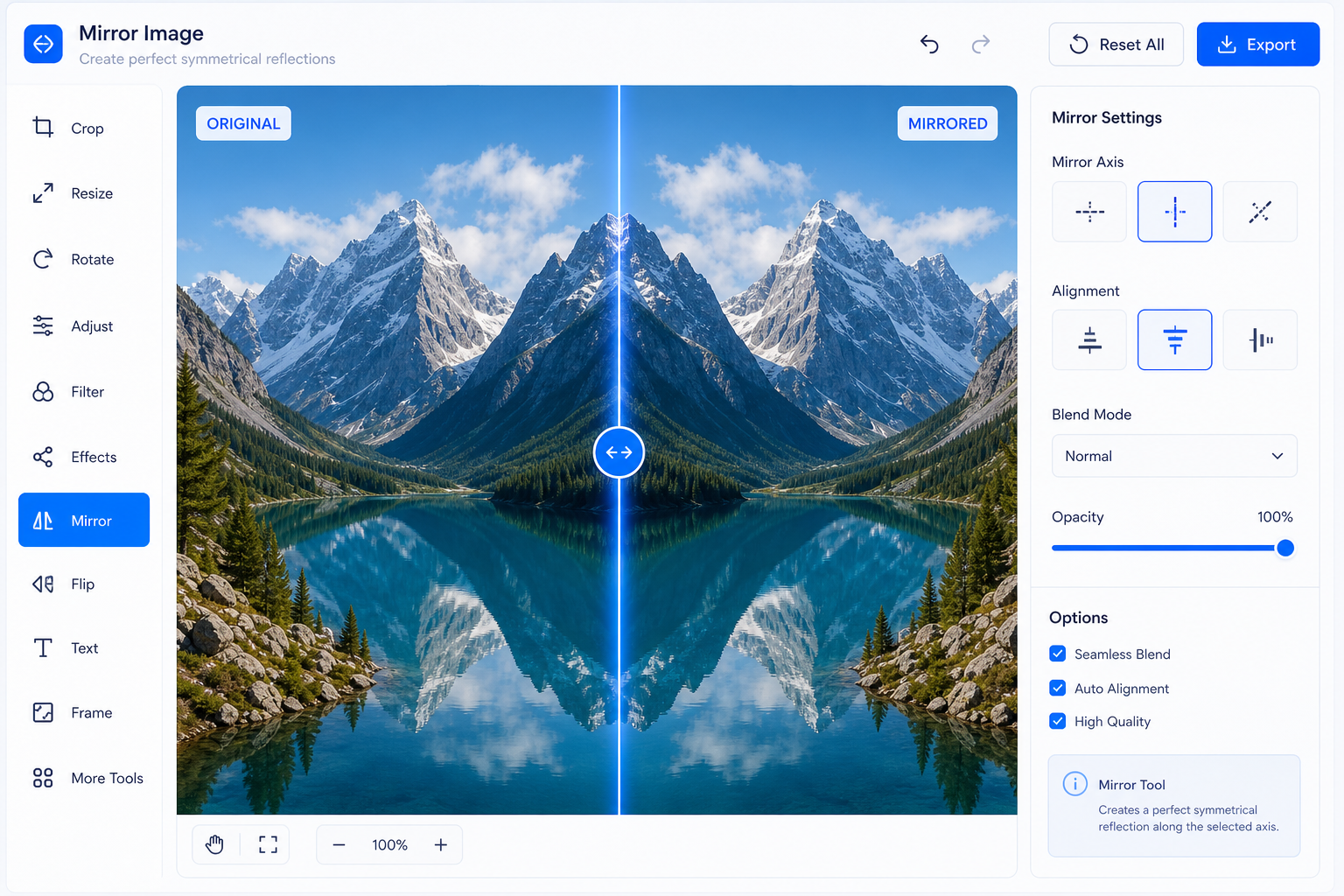
Mirror your image horizontally or vertically with one click.

Add a text or logo watermark to protect ownership of your photos.

Crop your image in any shape by drawing a freehand outline.

Crop your photo into a perfect circle, ideal for profile pictures.

Crop any image to an equal-sided square for Instagram and social media.

Place your signature onto a photo to create signed identity documents.
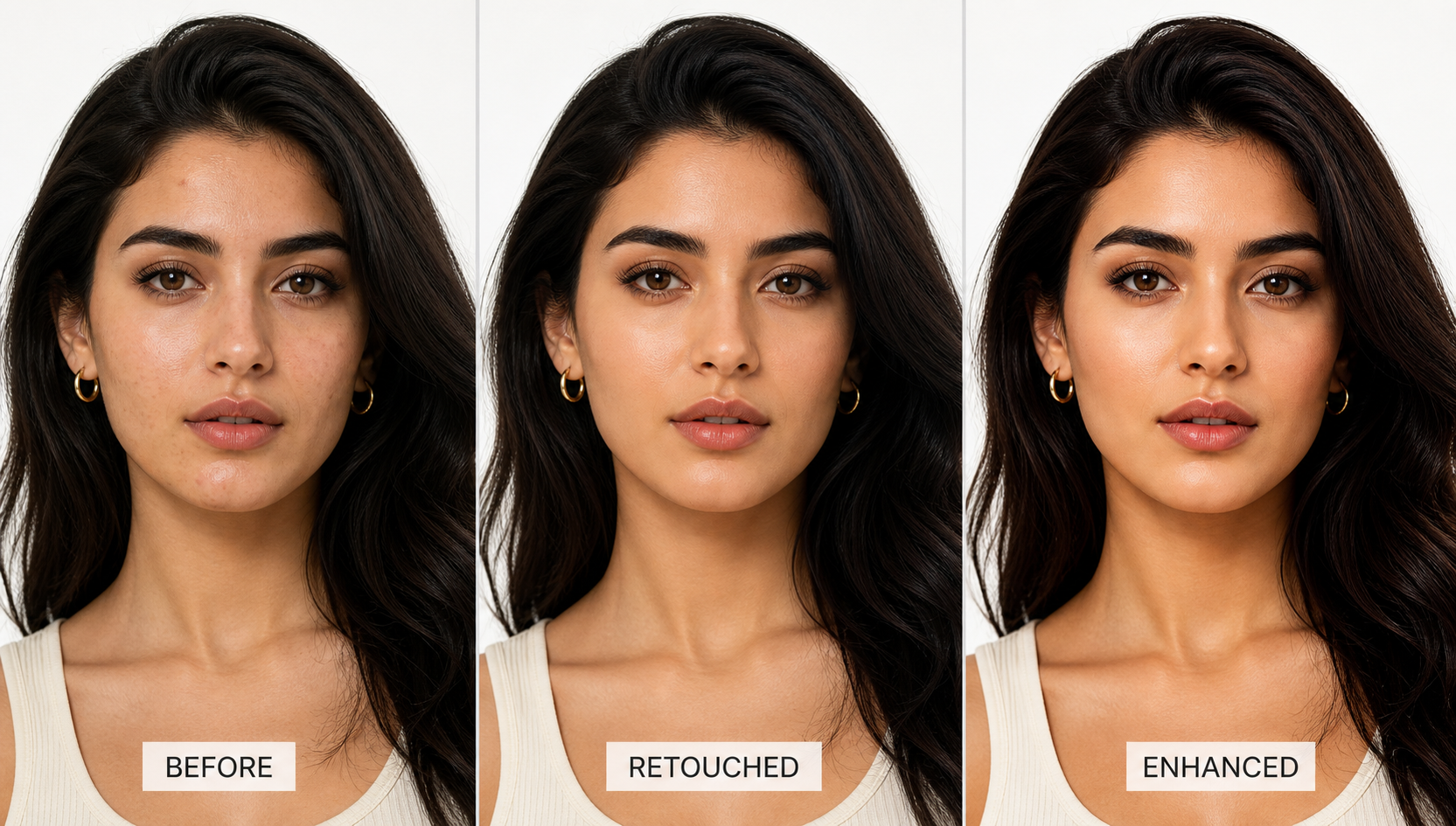
Stitch multiple photos side by side or vertically into one image.
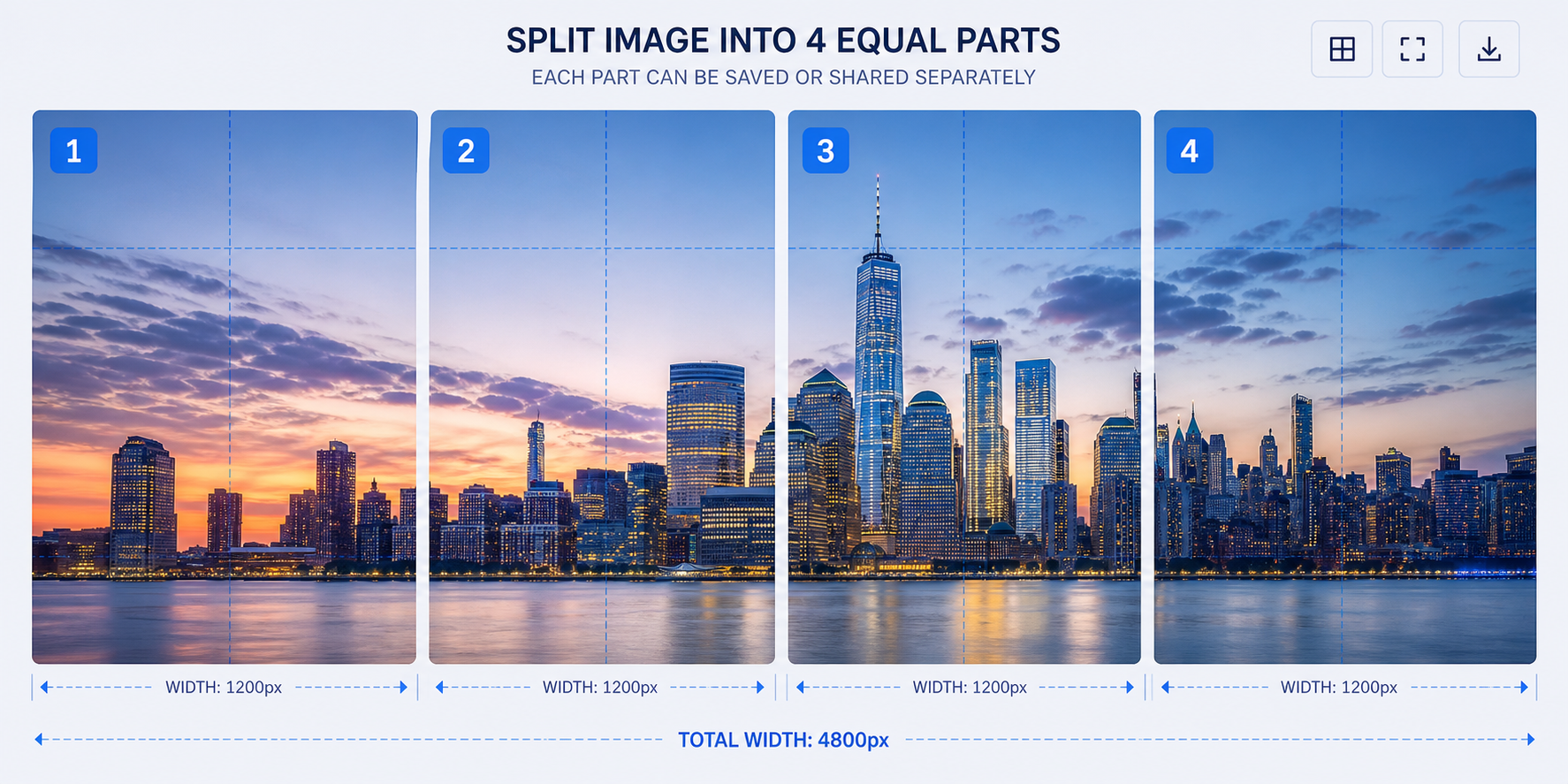
Divide one image into multiple equal parts for printing or posting.
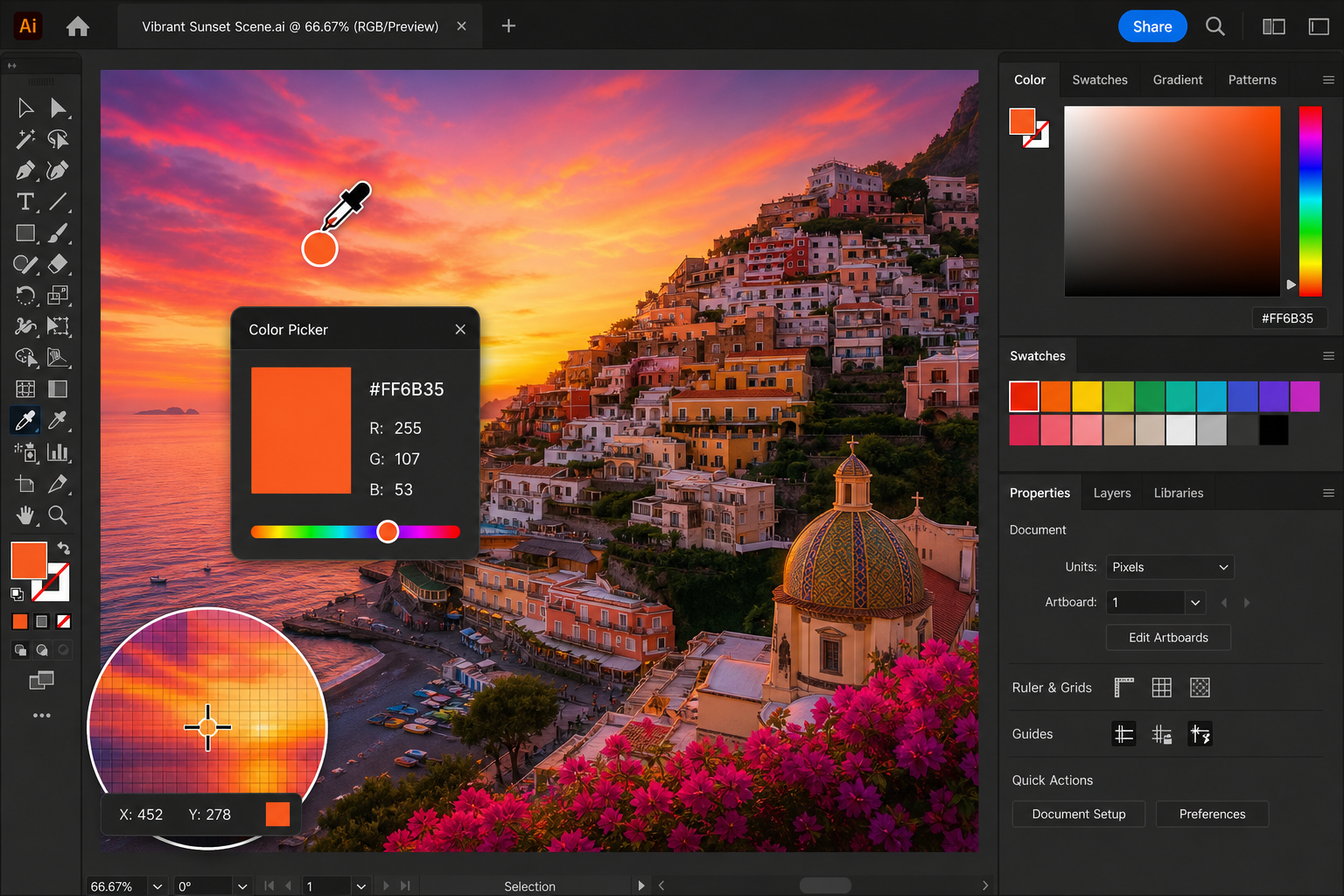
Identify exact hex, RGB or HSL colour values from any pixel in an image.
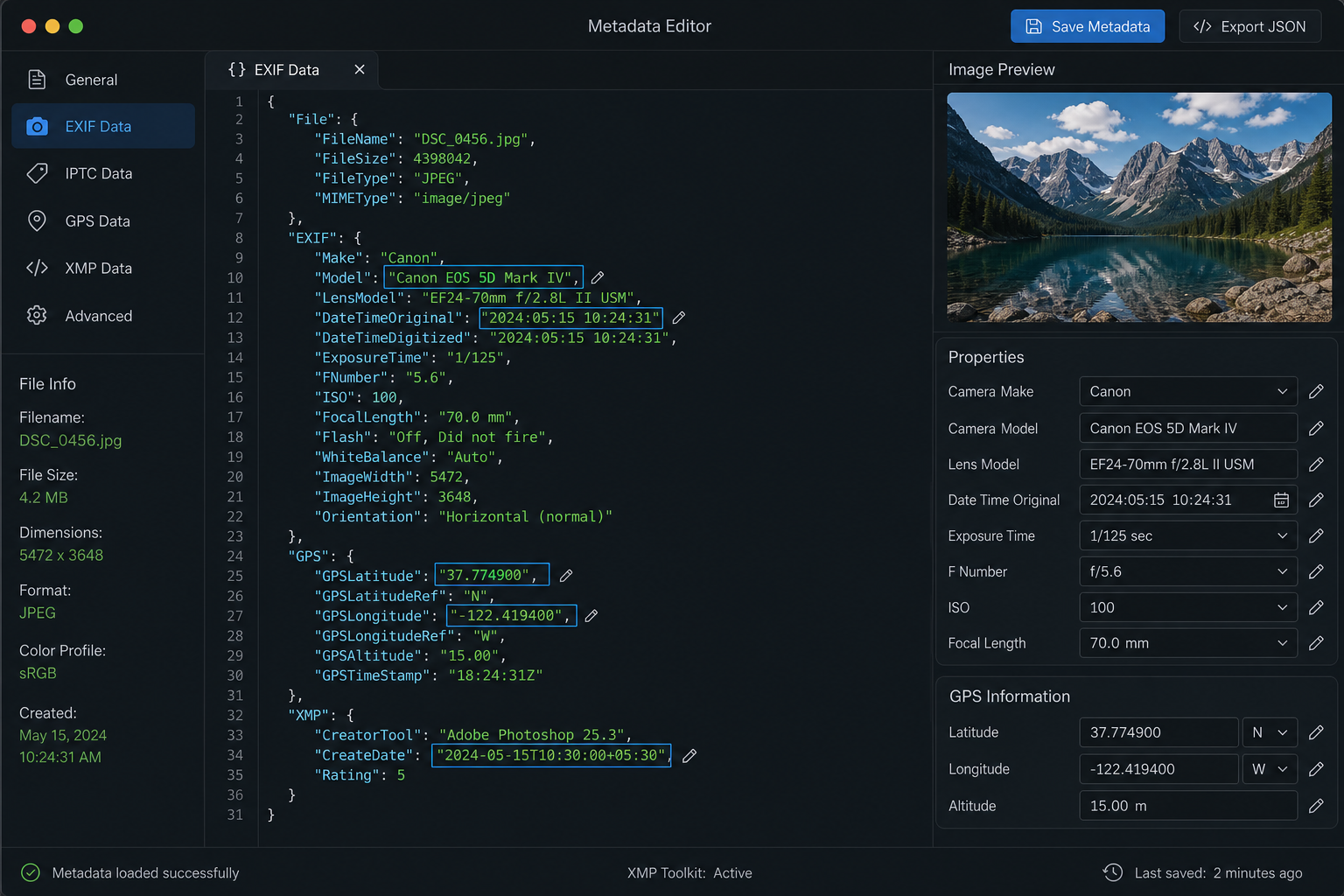
Modify EXIF and metadata embedded in your image file.
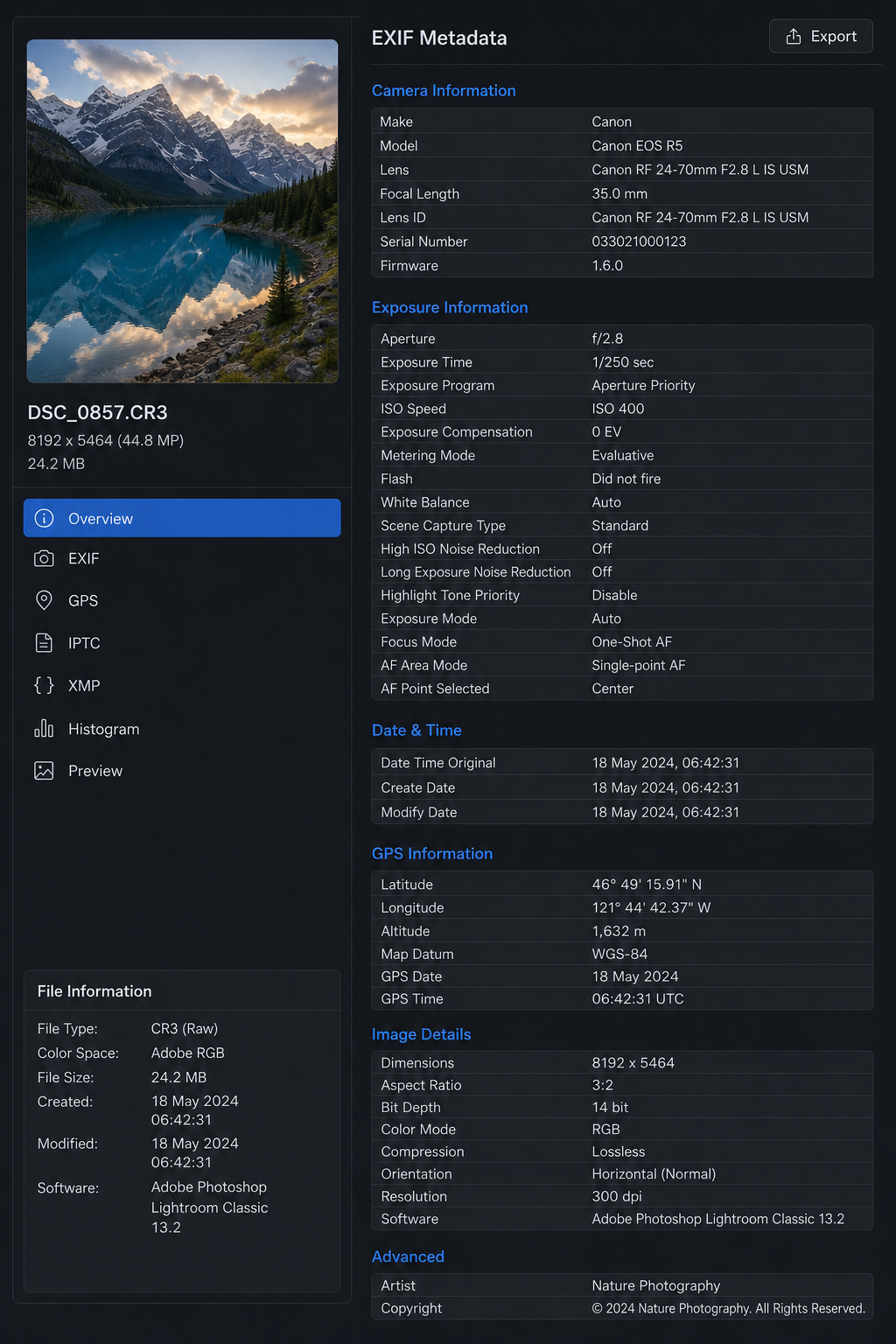
Inspect all hidden EXIF data stored inside your photo file.
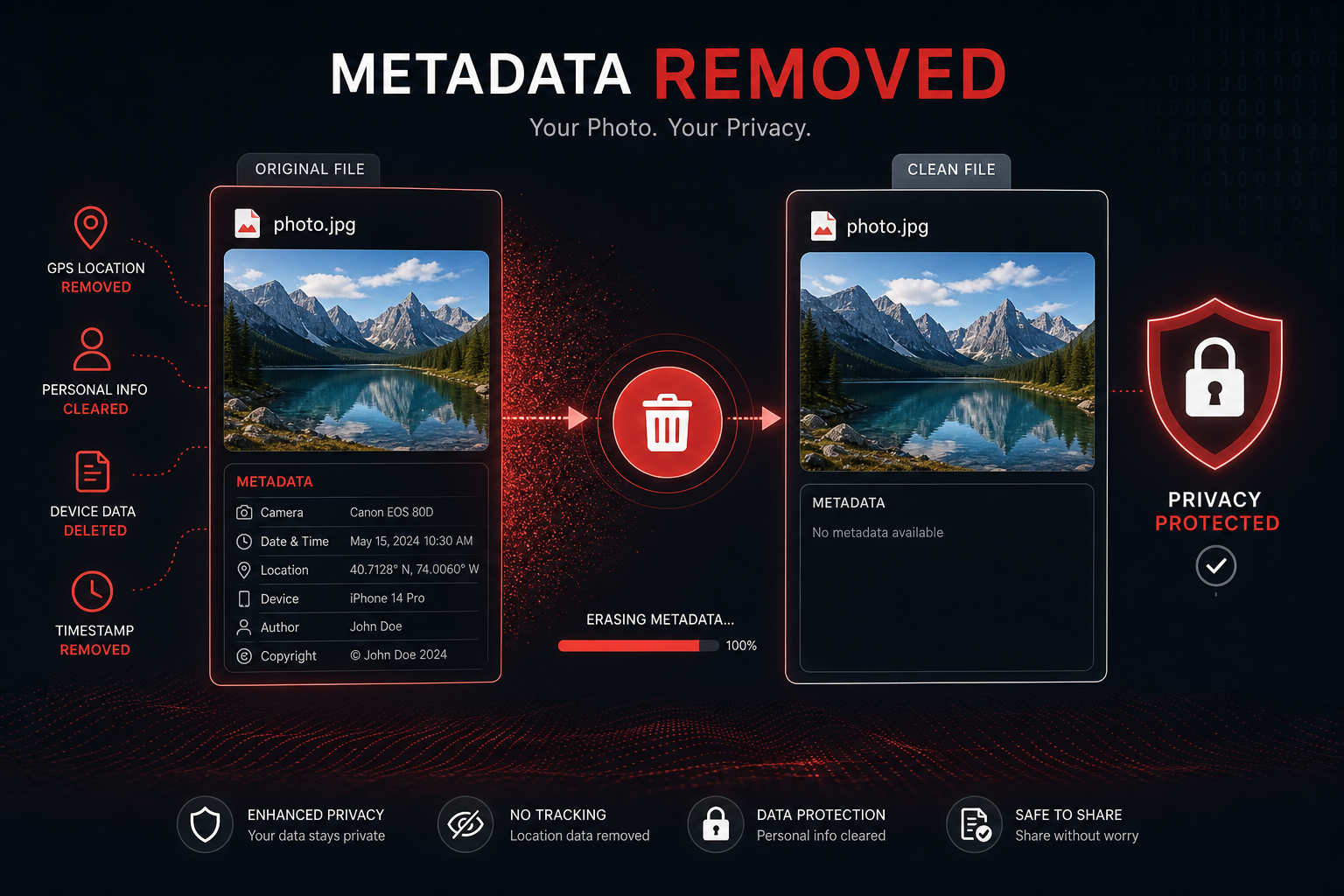
Strip all metadata from images to protect your privacy before sharing.

Crop PNG images precisely while preserving the transparent background.

Smooth skin, brighten eyes and enhance portrait photos automatically.

Sharpen and restore clarity to blurry or out-of-focus photos.

Apply a smooth Gaussian blur effect to your entire image.
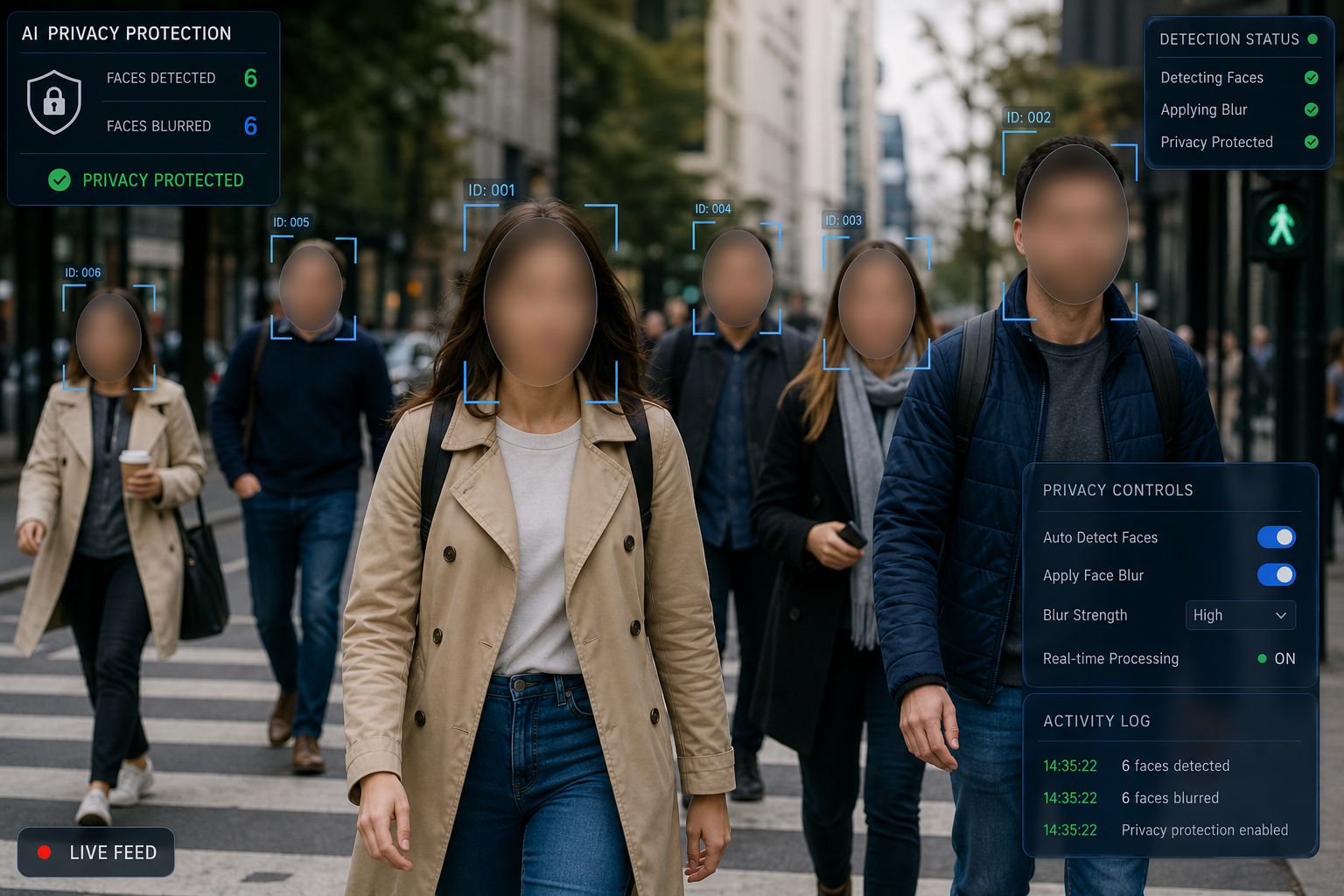
Automatically detect and blur faces in a photo to protect privacy.

Enhance and sharpen blurred or pixelated faces in photos.

Add a customisable colour border or frame around any photo.

Apply a mosaic pixelation effect to the entire image.

Pixelate detected faces to anonymise identities in a photo.

Cover sensitive areas with a black bar or blur for safe sharing.

Add a directional motion blur effect to simulate speed or movement.
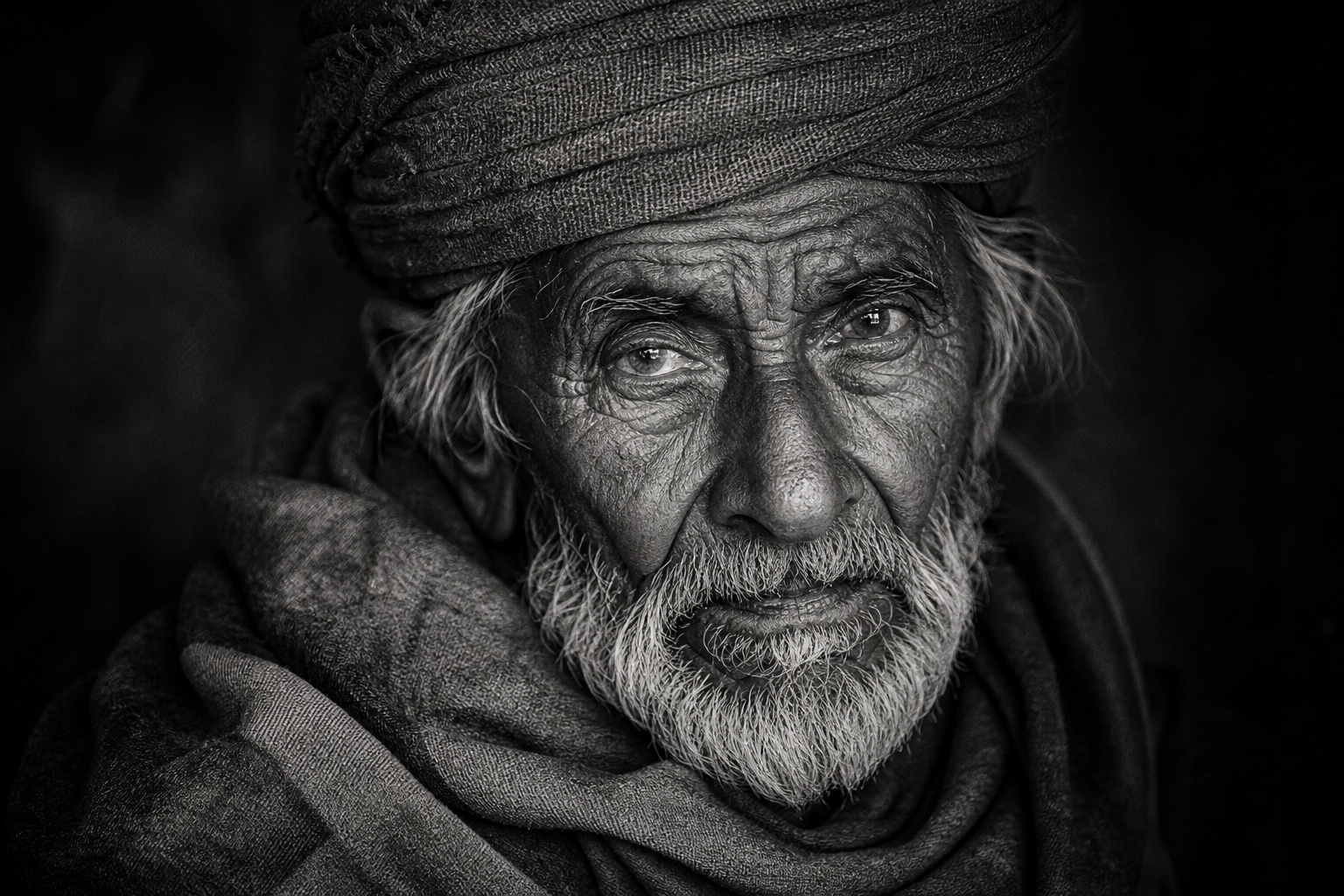
Convert your colour photo to a classic grayscale image.

Apply a high-contrast black and white artistic filter to your photo.

Transform any photo into a retro pixel art style graphic.
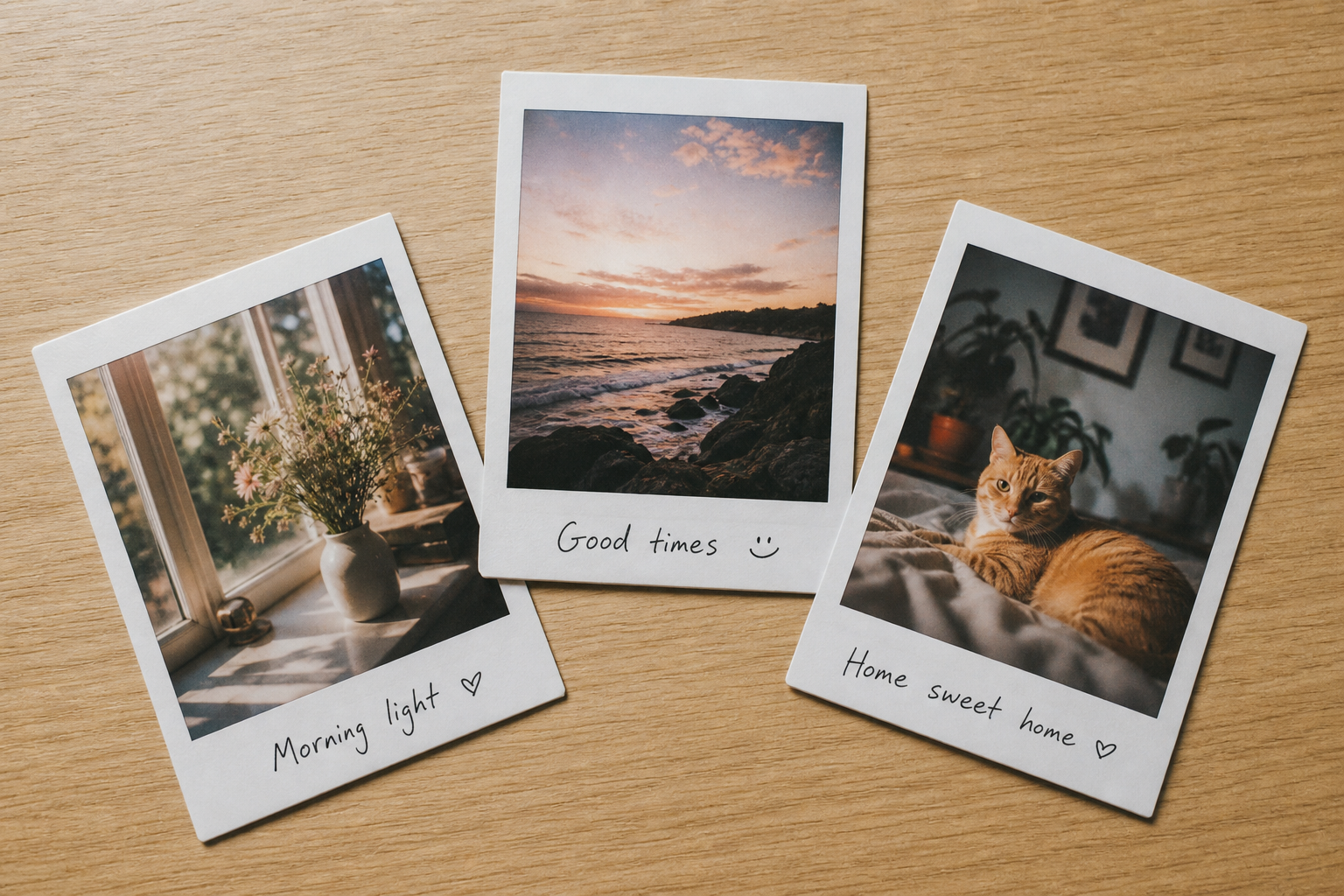
Add a clean white border around your photo for a Polaroid-style look.
Generate realistic AI-created faces for use in creative projects.
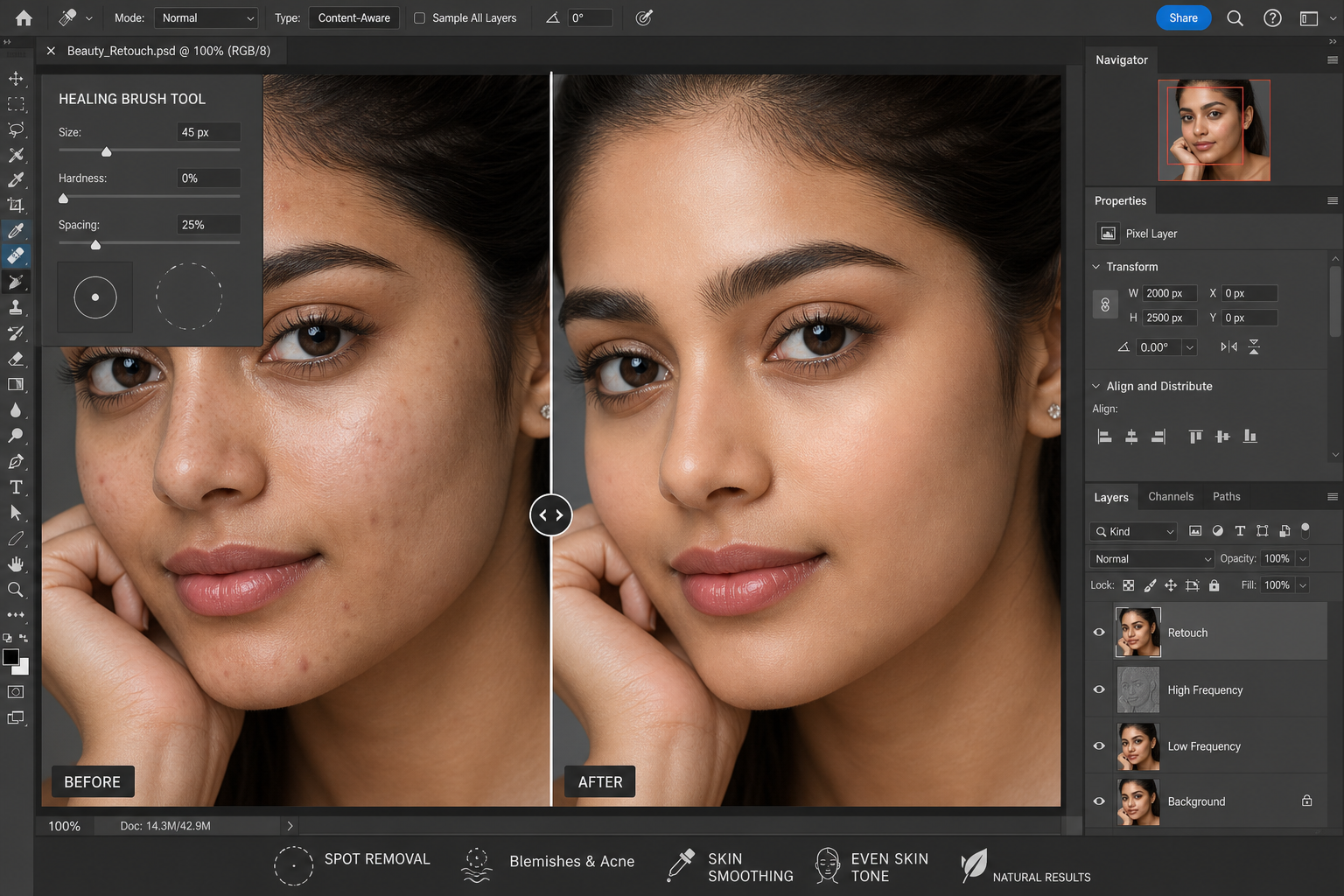
Remove skin blemishes, spots and marks from portrait photos.

Professional-grade retouching for portraits and product photography.

Add custom text with your chosen font, size and colour to any image.
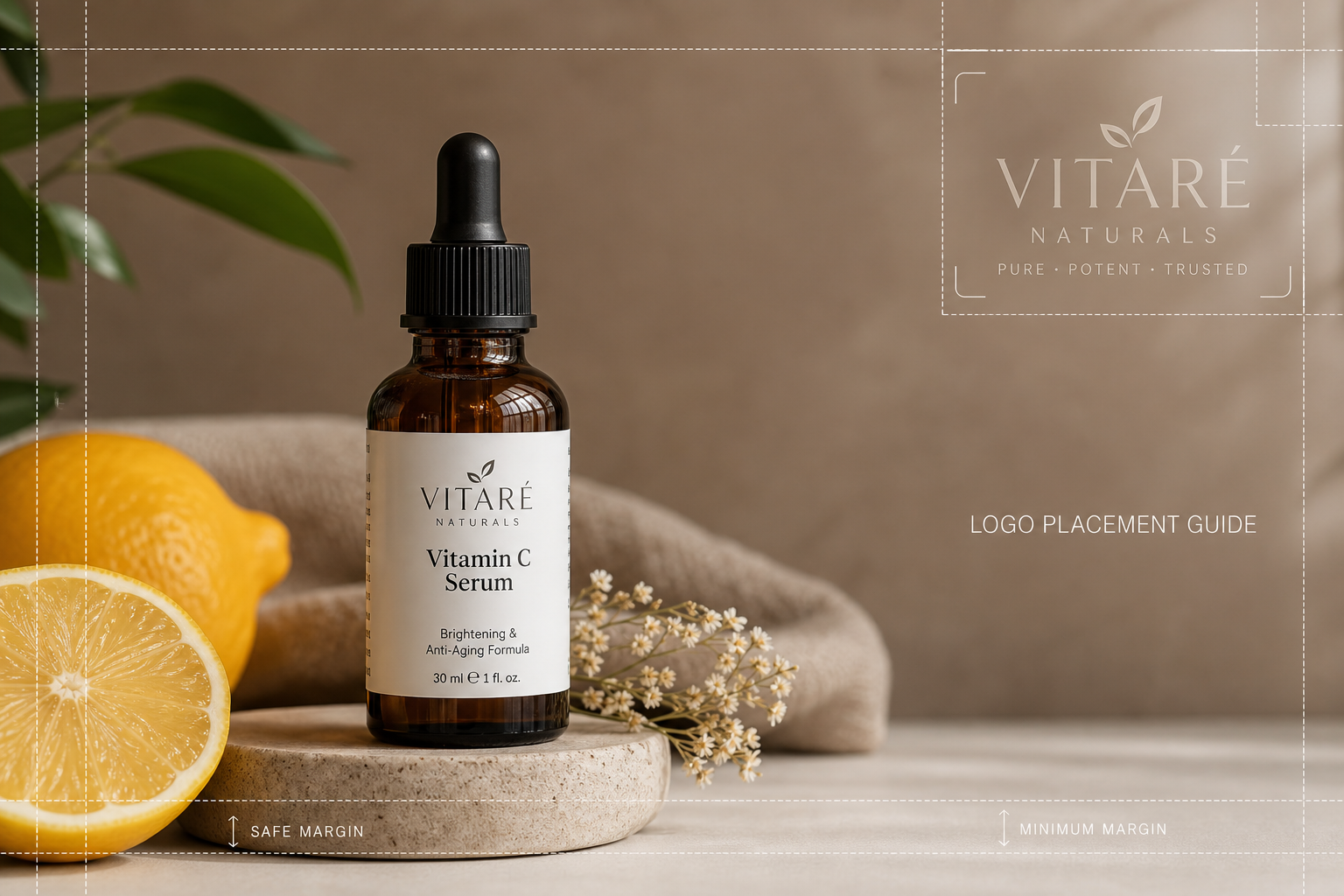
Overlay a logo onto your image with adjustable position and transparency.
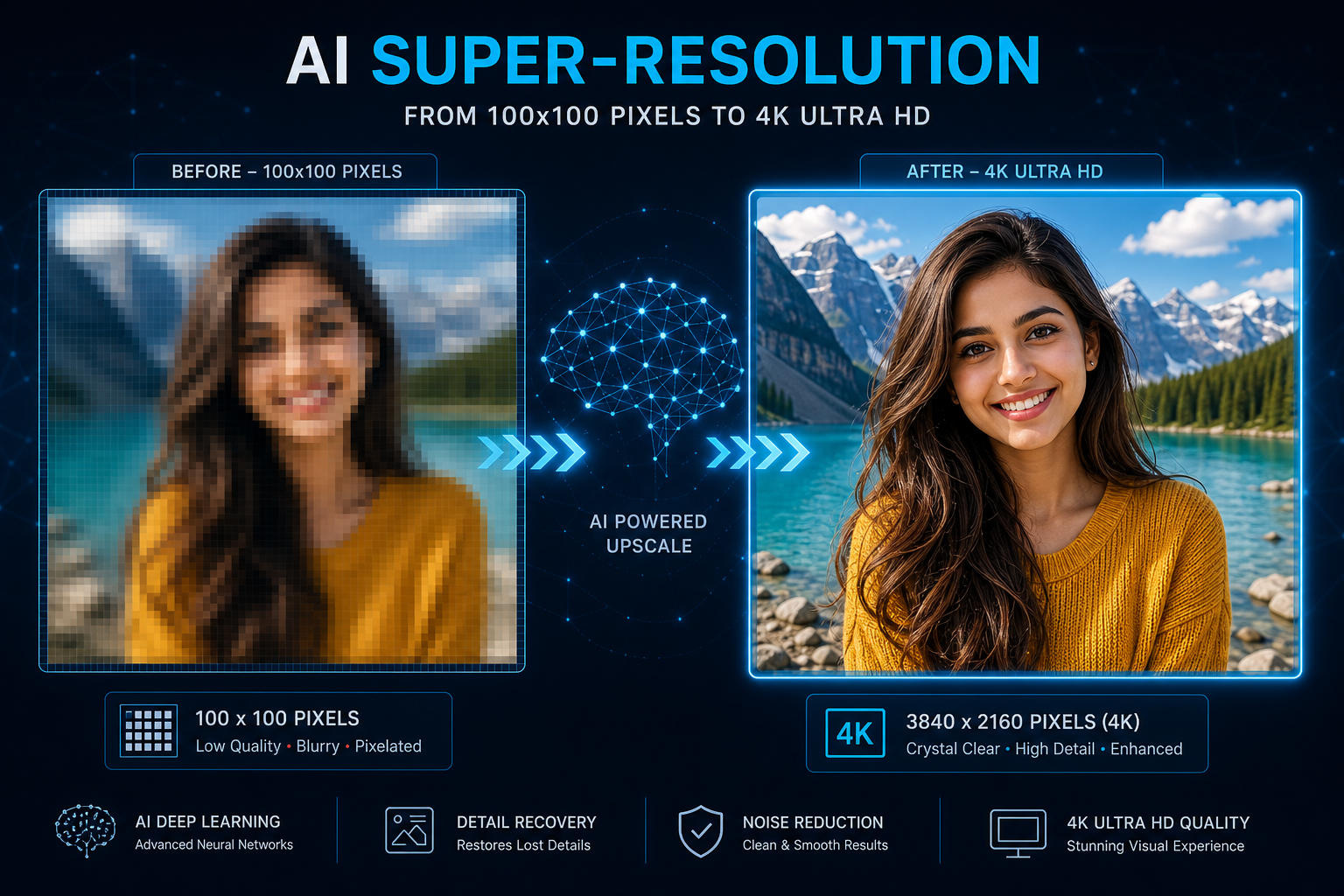
Enhance and sharpen image quality using AI upscaling technology.
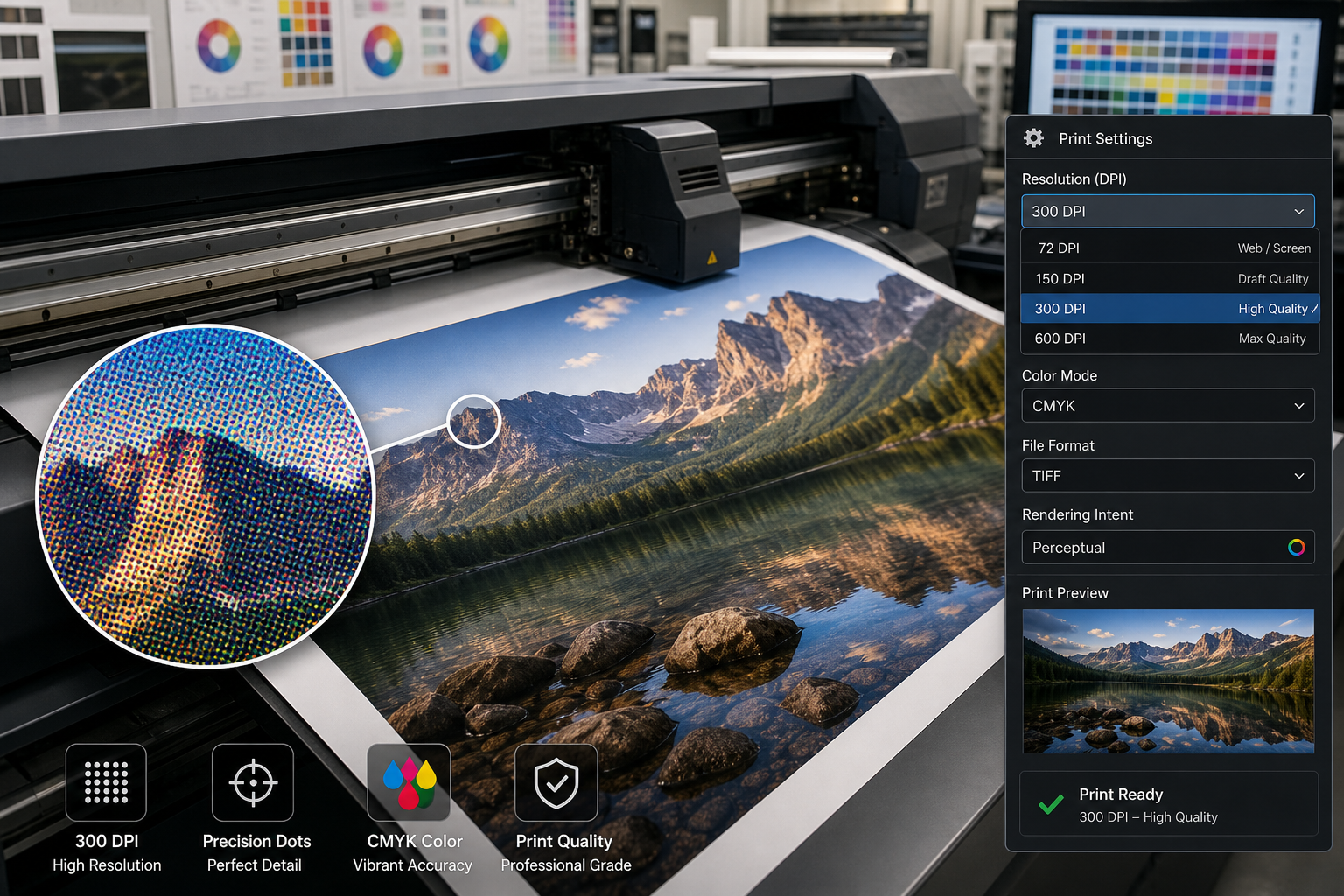
Change the DPI of your image to 200, 300 or 600 for crisp print output.

Instantly check the current DPI and print resolution of any image file.
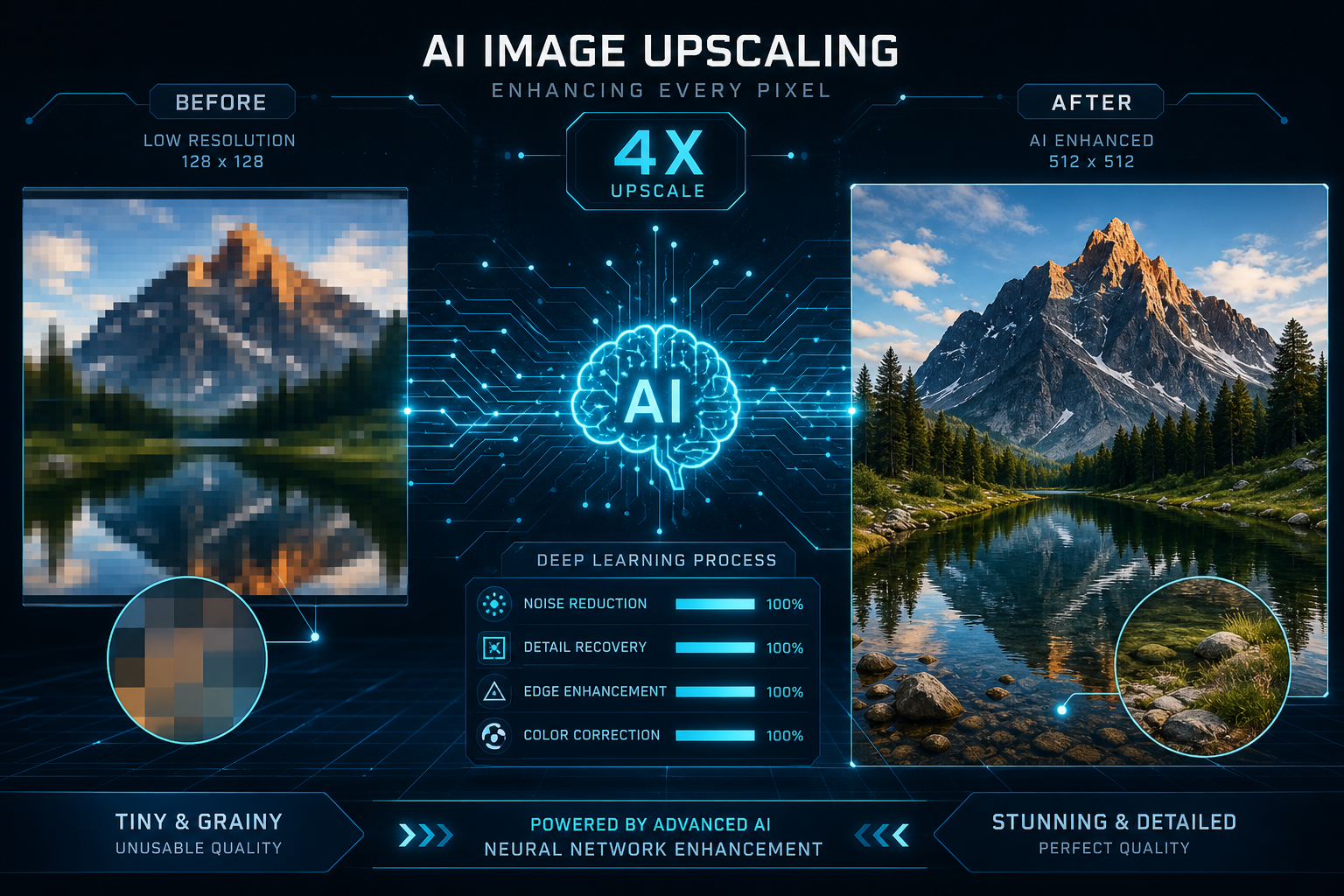
Upscale low-resolution images to 2× or 4× size using AI enhancement.

Enter exact pixel width and height to resize your image precisely.

Resize your image to precise centimetre measurements for print use.
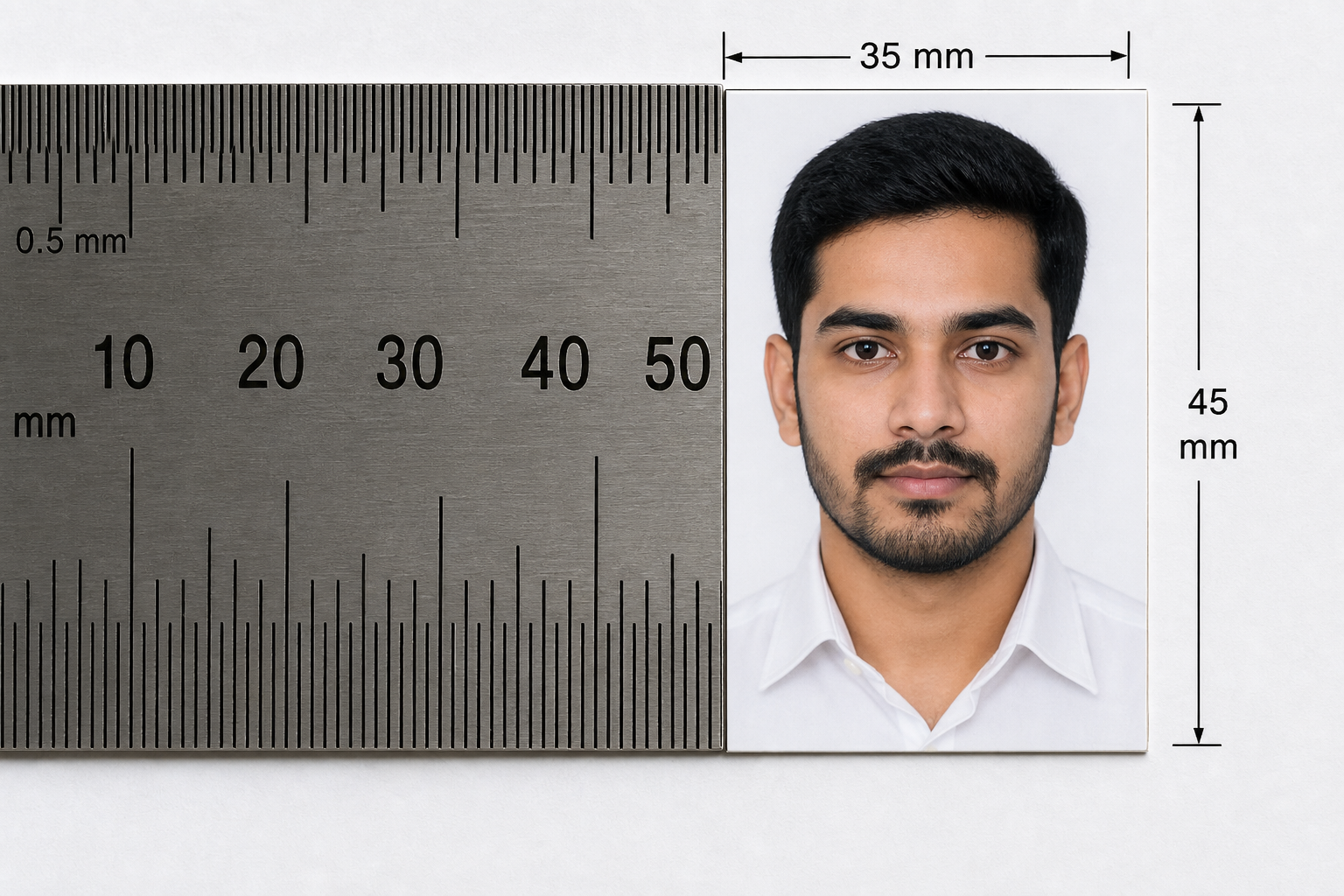
Set exact millimetre dimensions, perfect for official document photos.
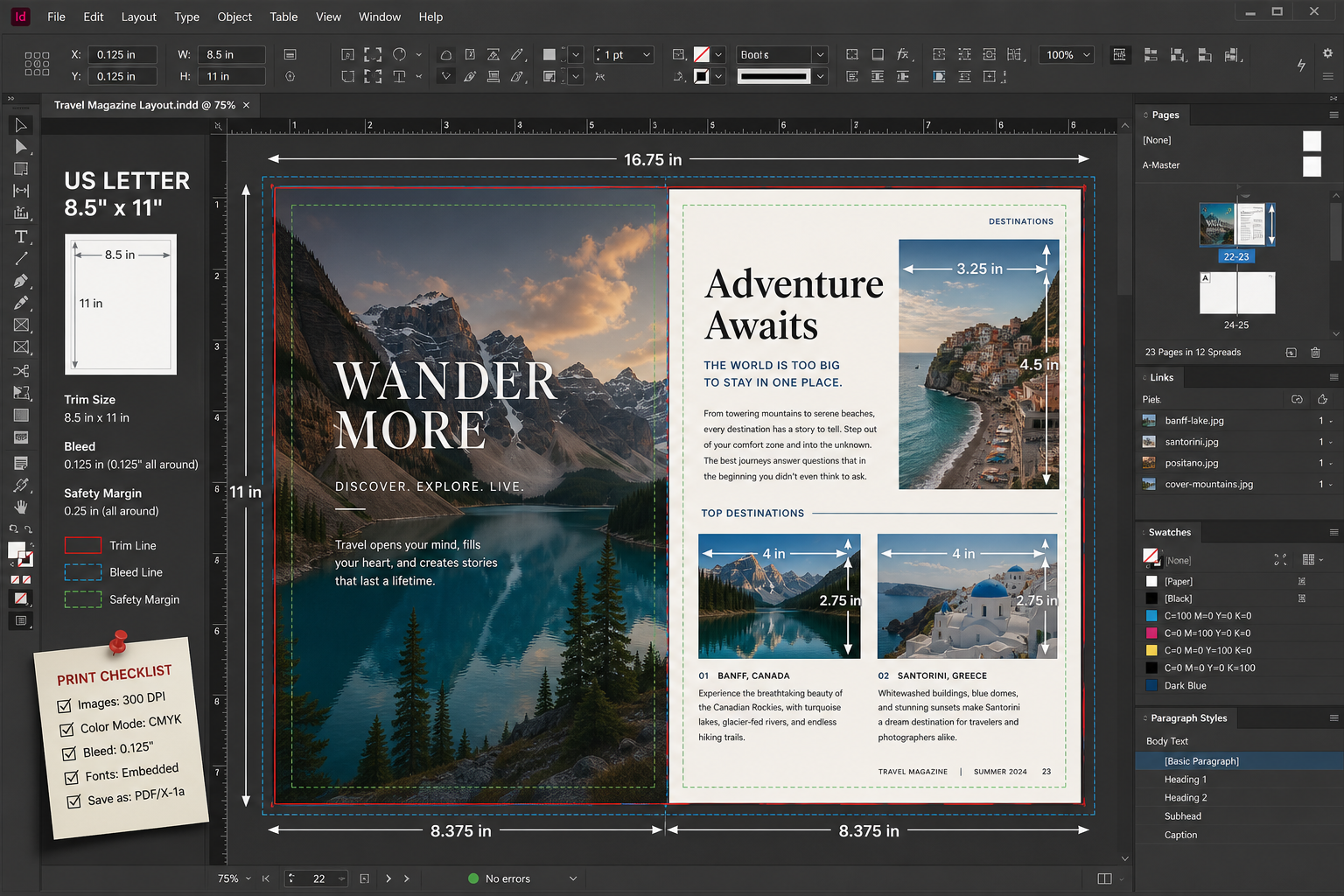
Define your image size in inches, ideal for printing and publishing.

Resize multiple images to the same dimensions in a single batch.

Enlarge small images to higher resolution without pixelation using AI.
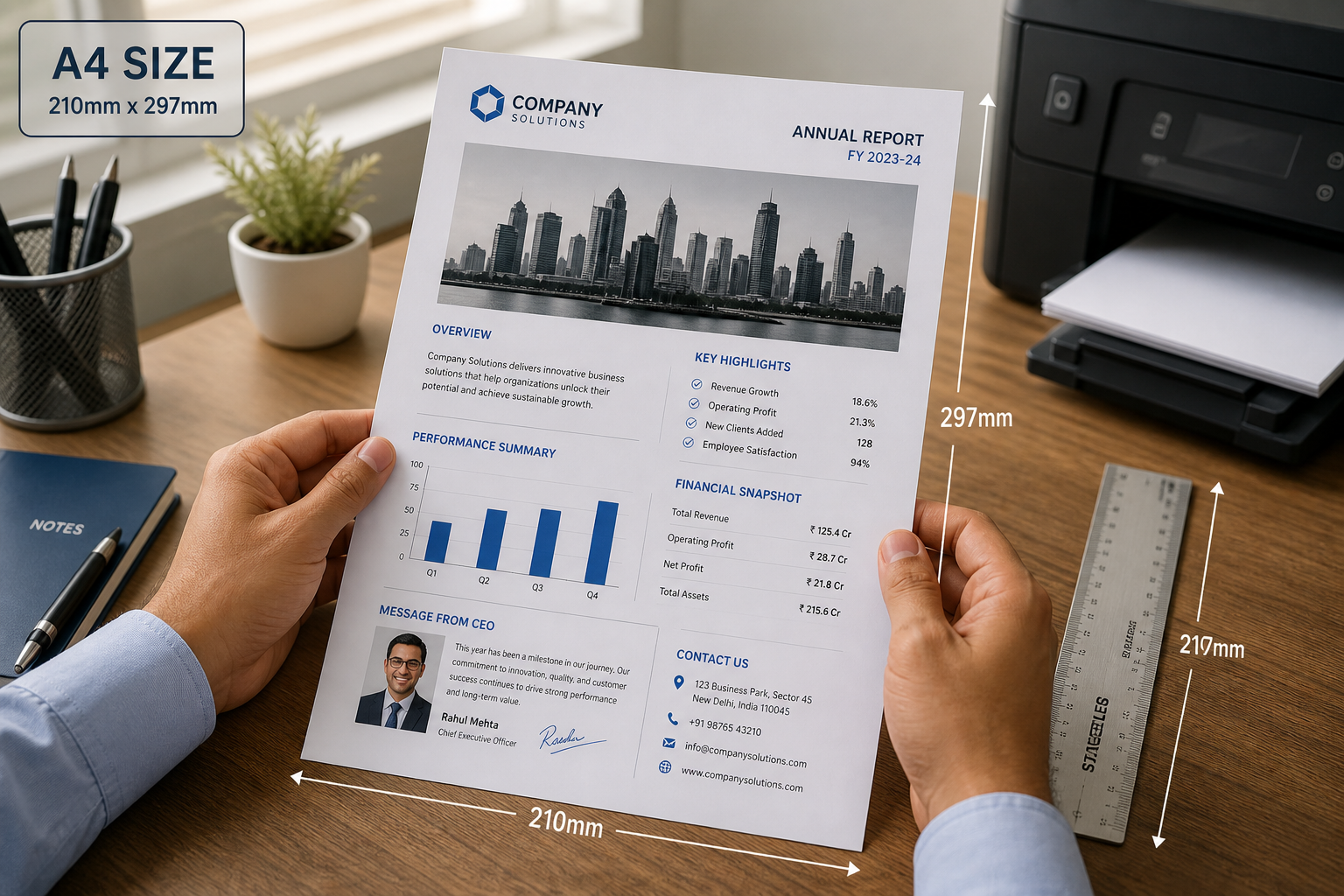
Resize and format your photo to standard A4 paper dimensions (210 × 297 mm).

Resize photos to meet the exact SSC exam application photo requirements.
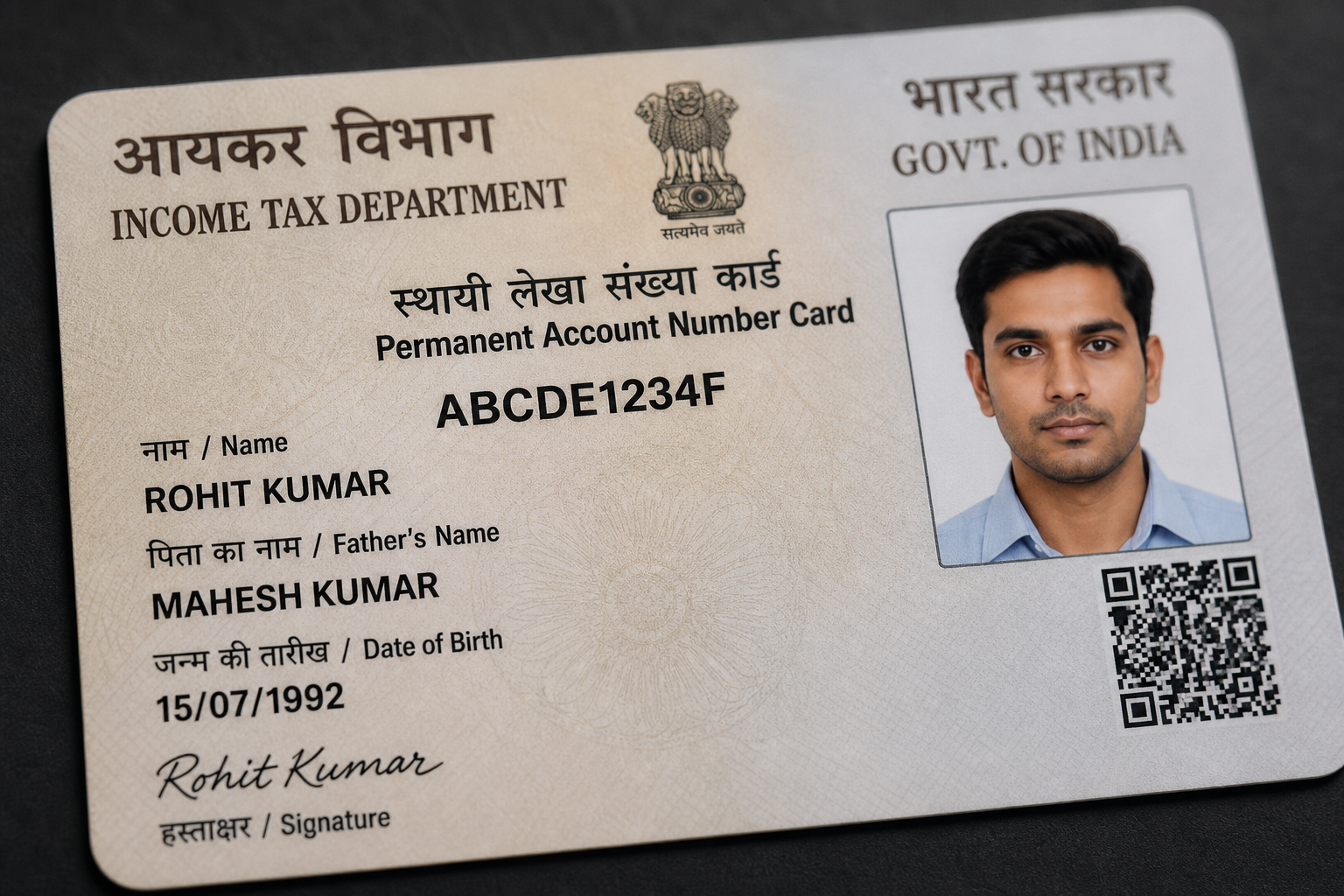
Resize and prepare your photo to official PAN card specifications.

Prepare and resize photos to meet UPSC civil services application requirements.

Resize your photo to Public Service Commission (PSC) exam specifications.

Create international standard passport photos with correct background and size.

Resize your signature to 6cm × 2cm at 300 DPI for official government forms.

Resize photo to the standard Indian passport and ID document 3.5 × 4.5 cm size.
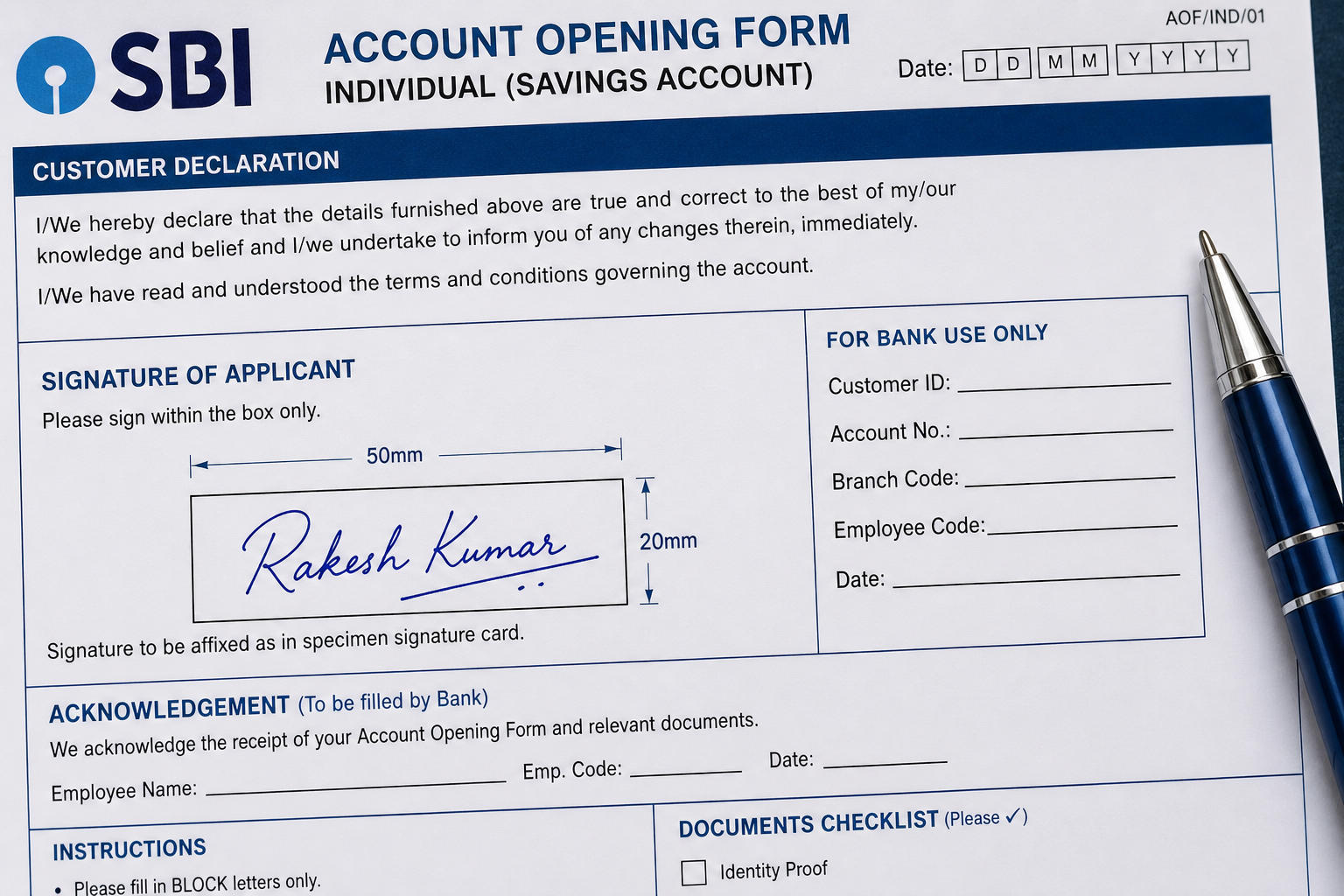
Resize your signature image to 50mm × 20mm for bank and government forms.
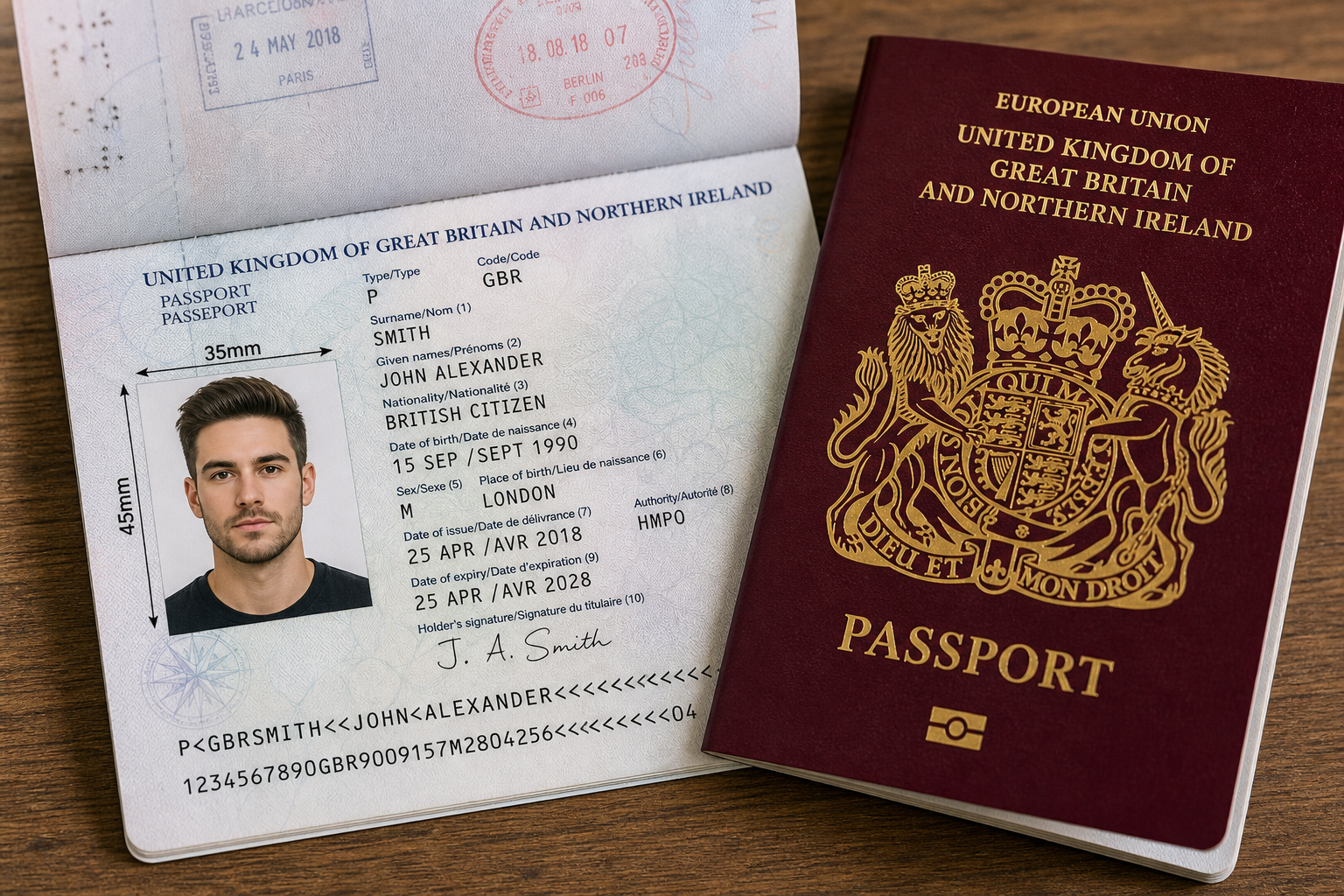
Standard international 35 × 45 mm photo format for UK and EU passports.

US visa, US passport and Green Card standard 2 × 2 inch photo size.

Resize your photo to 3 × 4 inch dimensions for various ID and document uses.

Standard 4 × 6 inch print size for photo labs and online printing.
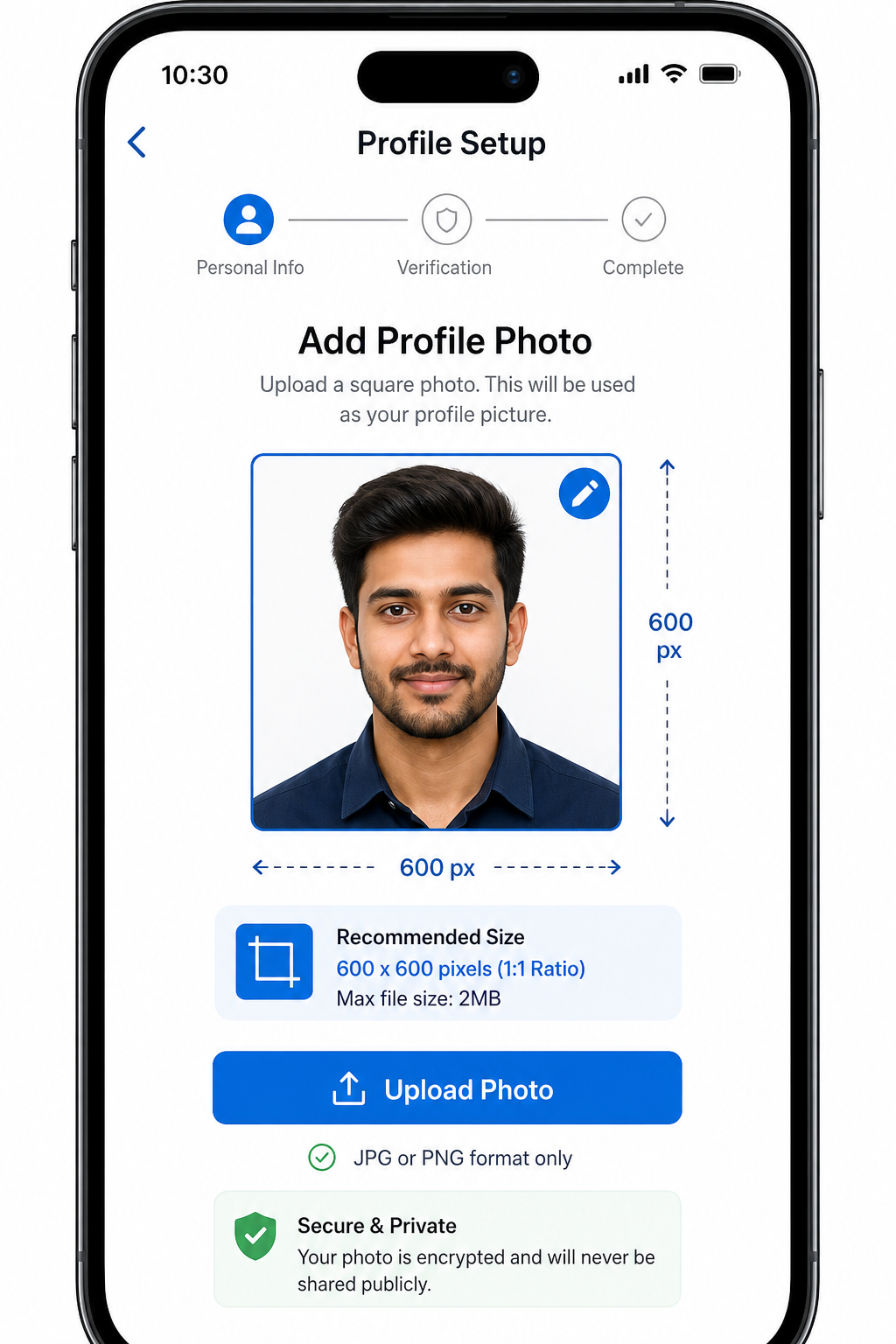
Square 600 × 600 pixel photo format for online profiles and ID portals.
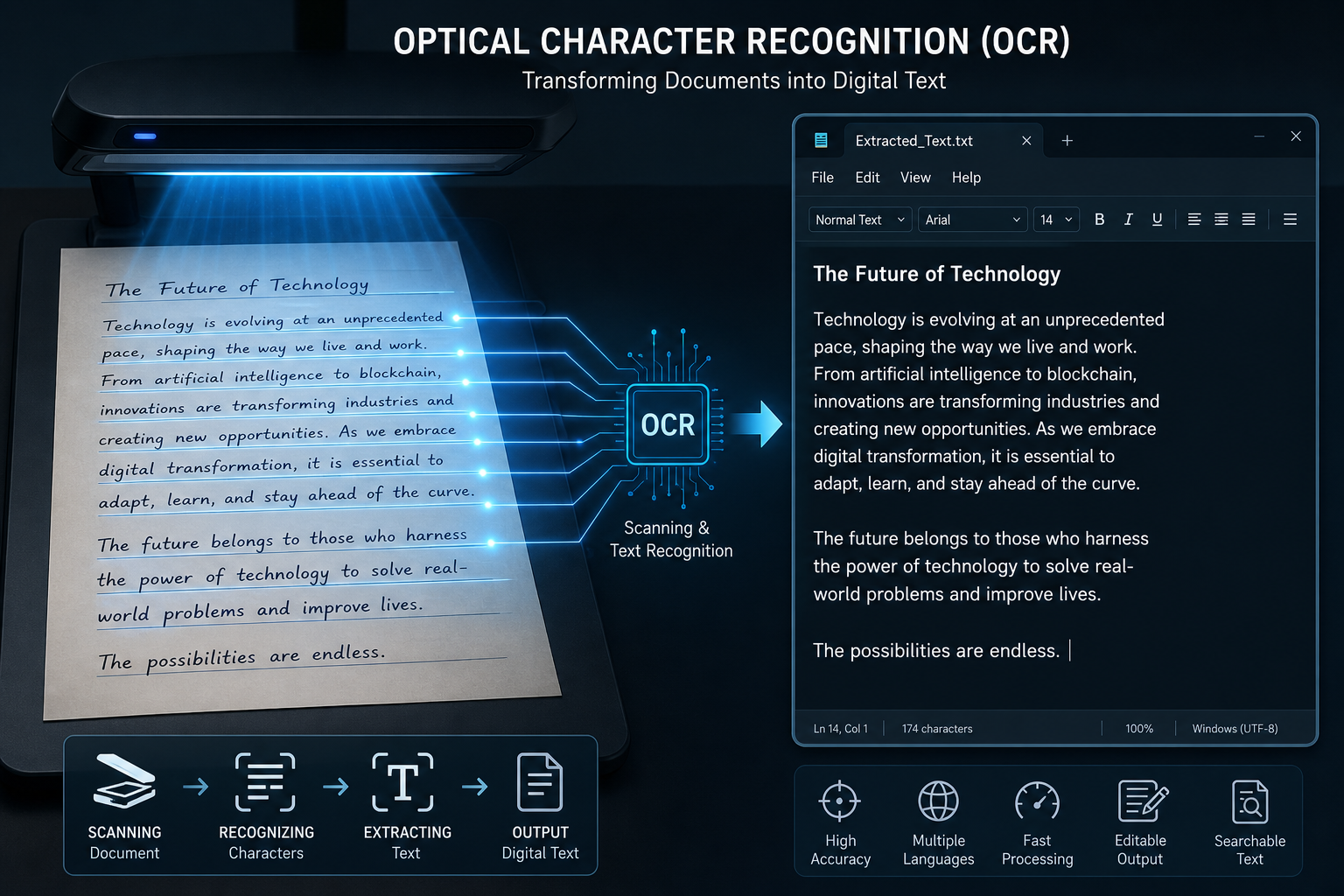
Extract and copy all readable text from an image using Optical Character Recognition.

Convert any image format (PNG, WEBP, HEIC, BMP) to the widely supported JPG format.

Convert Apple iPhone HEIC photos to JPG for use on Android, Windows and the web.
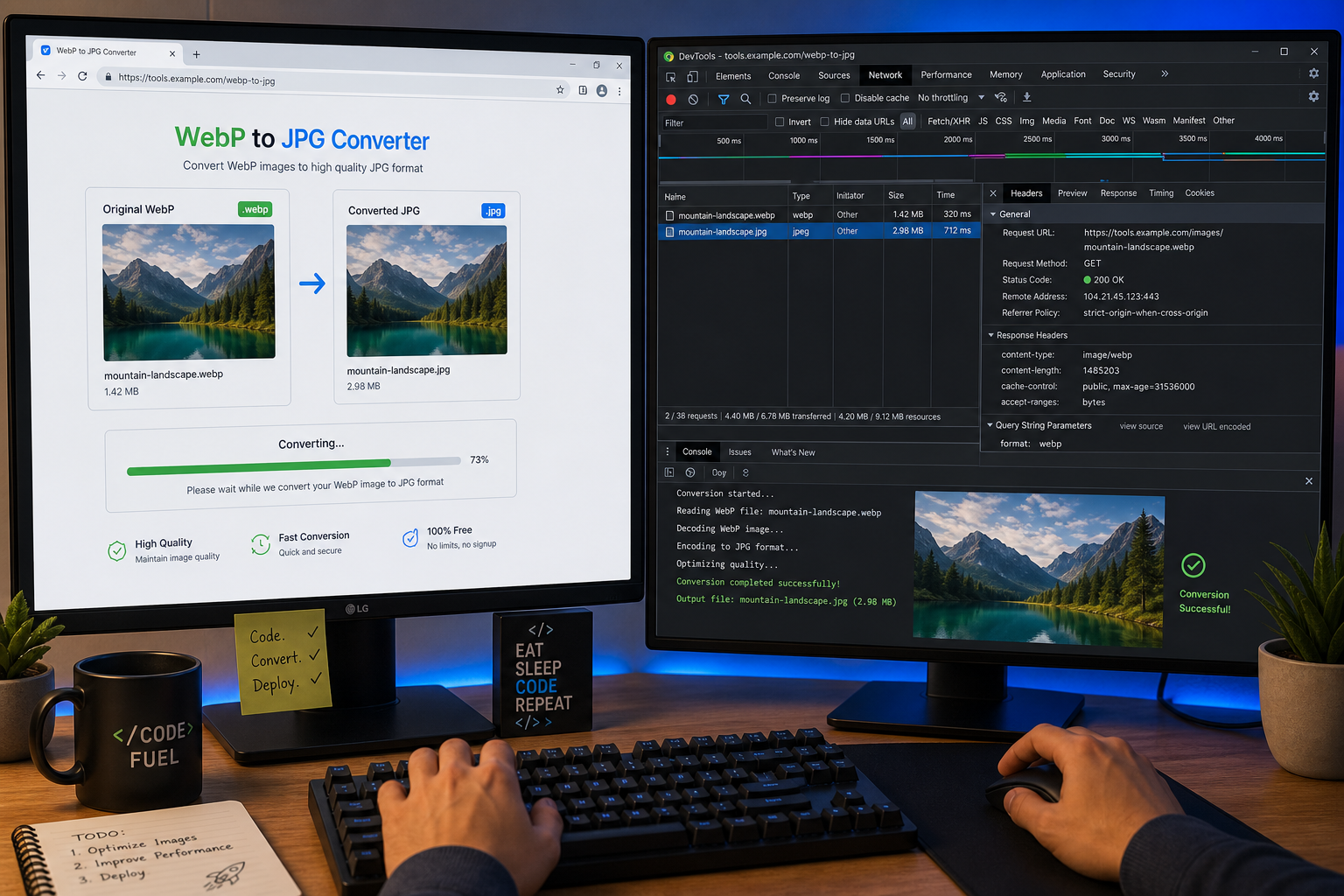
Convert Google WebP images to JPG for broader compatibility with apps and printers.
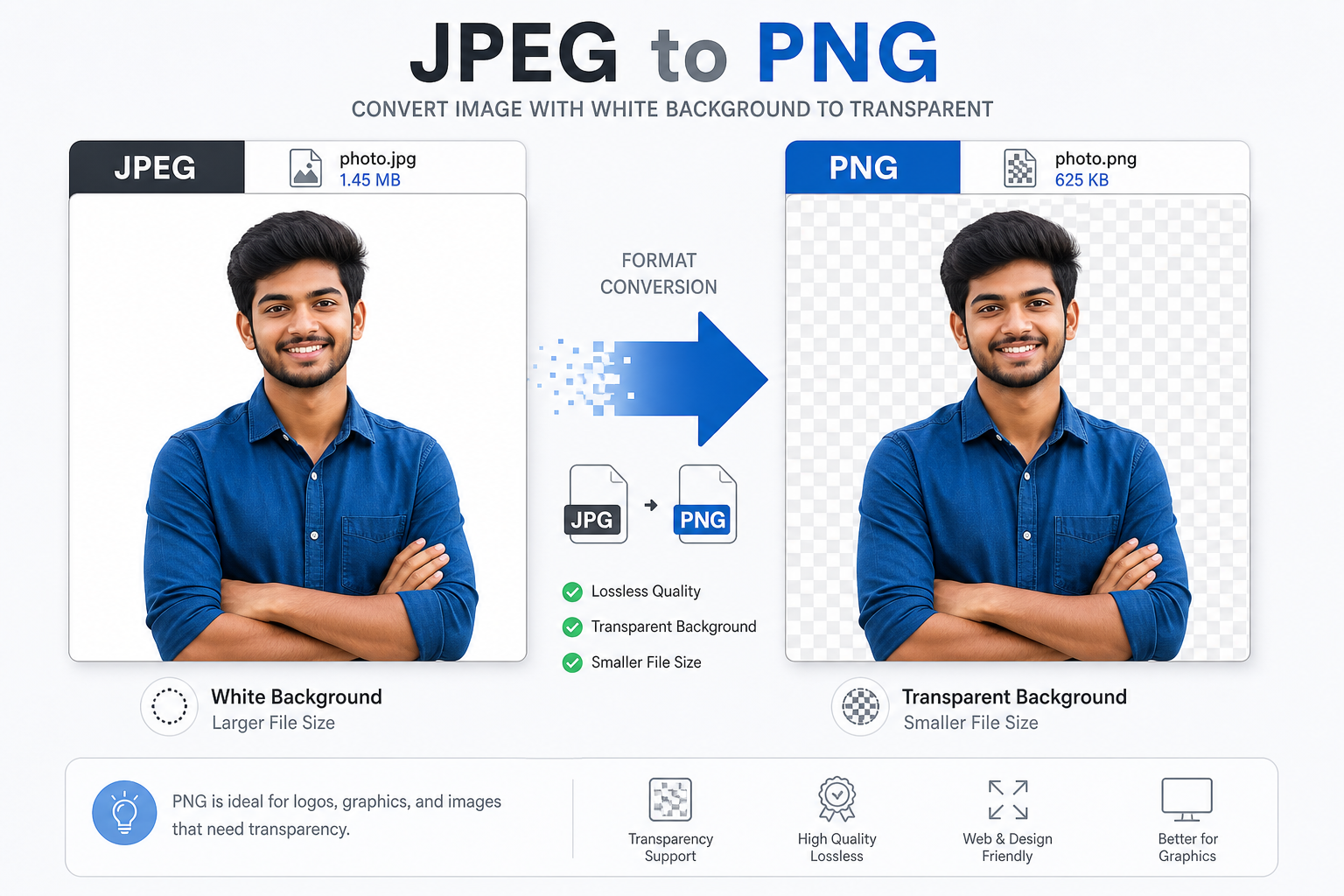
Convert JPEG images to PNG format for lossless quality and transparent background support.

Convert PNG images to JPEG to reduce file size for sharing and uploading.

Extract and save all text found inside a JPG image as editable text.
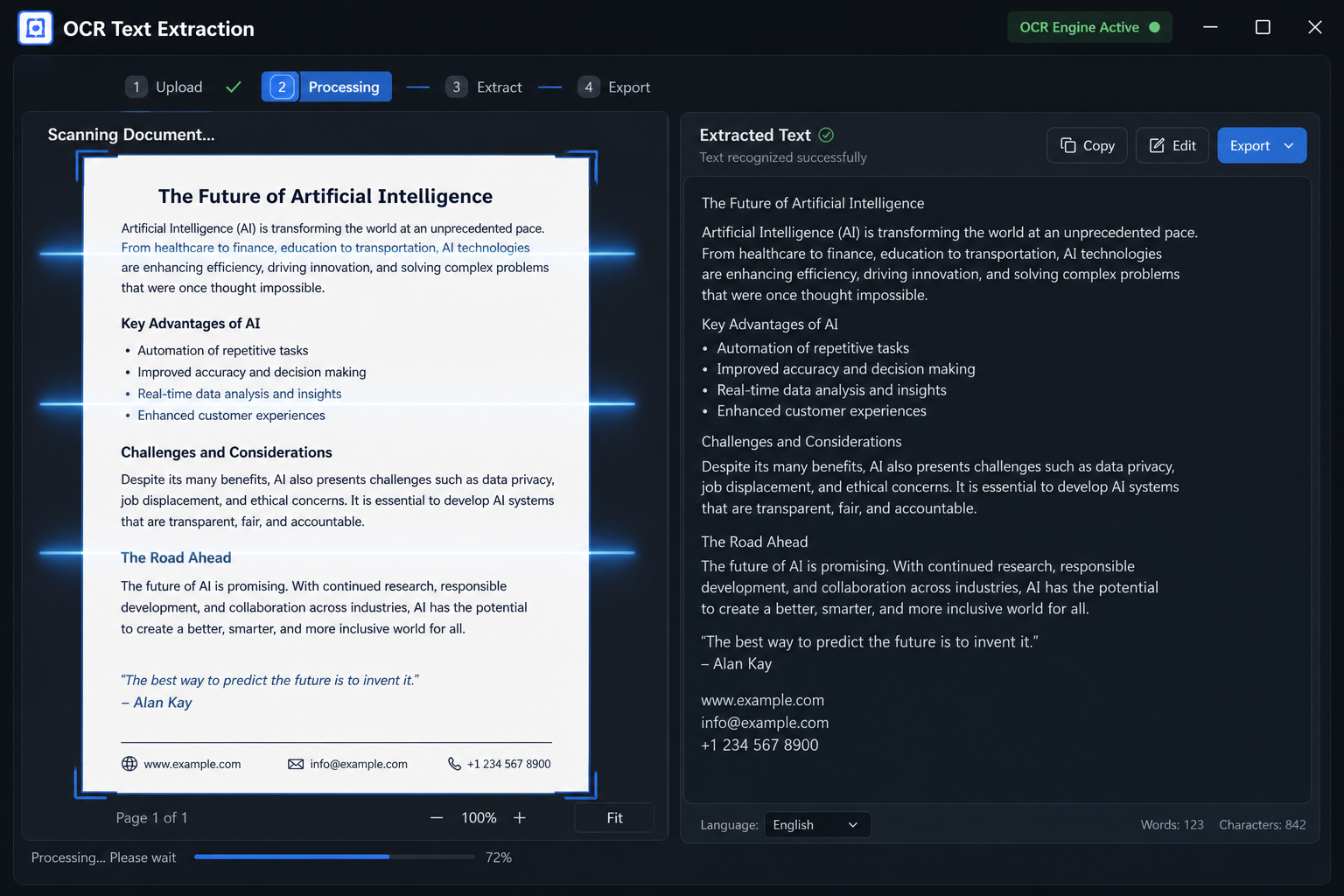
Use OCR to extract readable text from PNG image files instantly.

Convert one or multiple images into a single, shareable PDF document.
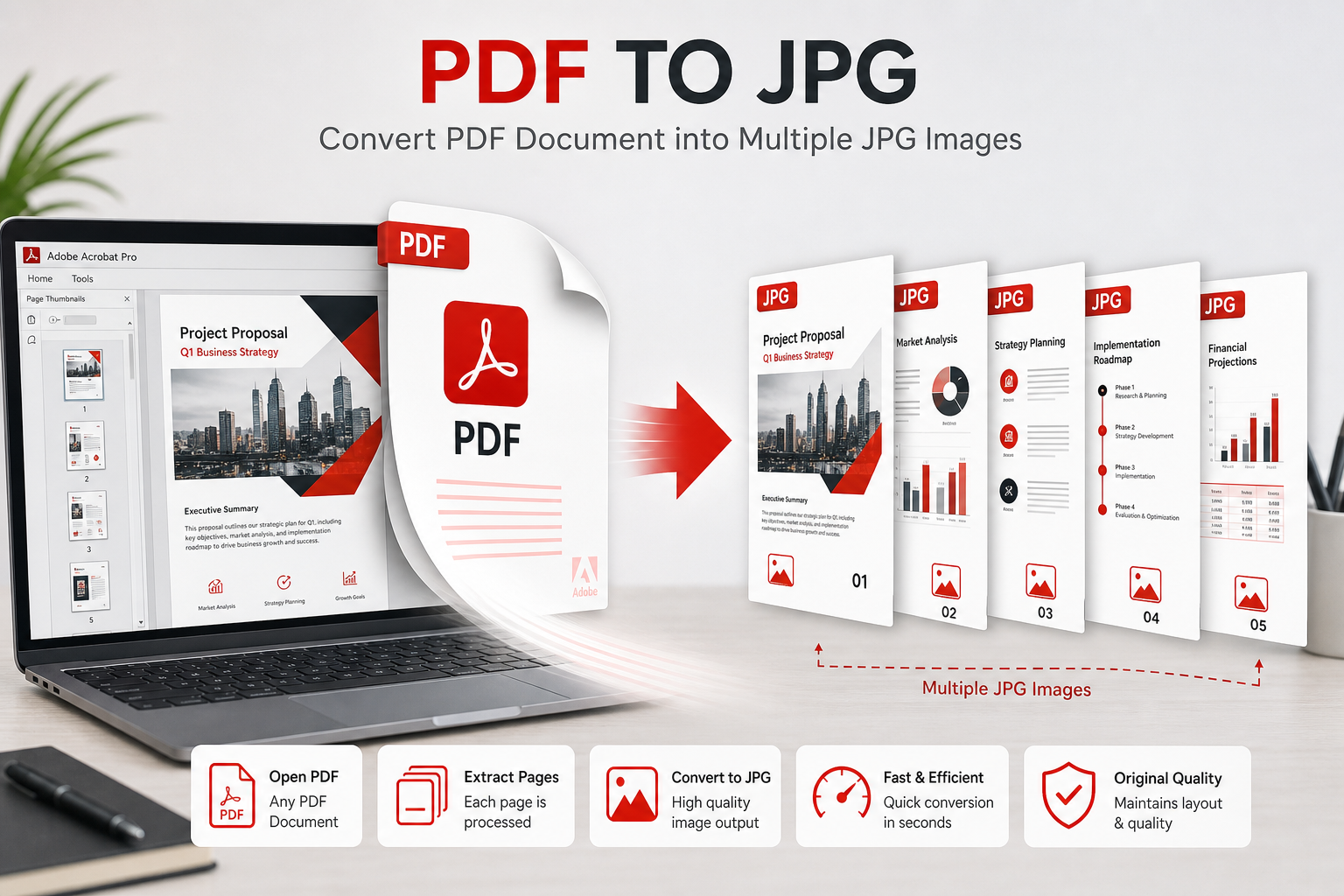
Convert each page of a PDF into a high-quality JPG image.

Convert JPG to PDF and compress the output to under 50KB file size.

Convert JPG to PDF with the total file size kept under 100KB.

Convert JPG to PDF compressed to under 200KB for email and portals.

Convert JPG to PDF at under 300KB, meeting most government upload limits.

Convert JPG to PDF with file size under 500KB for larger document uploads.
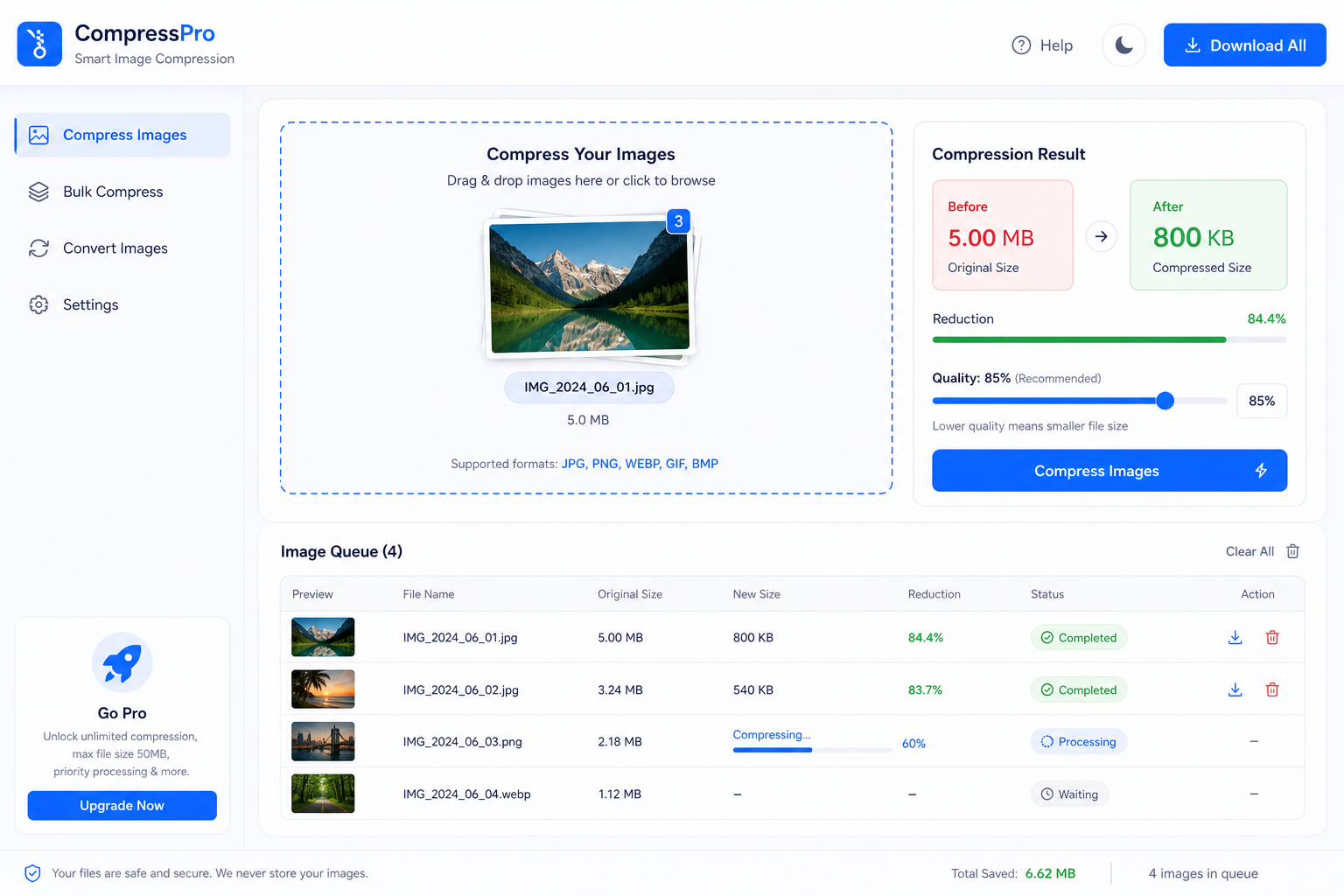
Compress any image to a smaller file size while keeping it visually sharp.
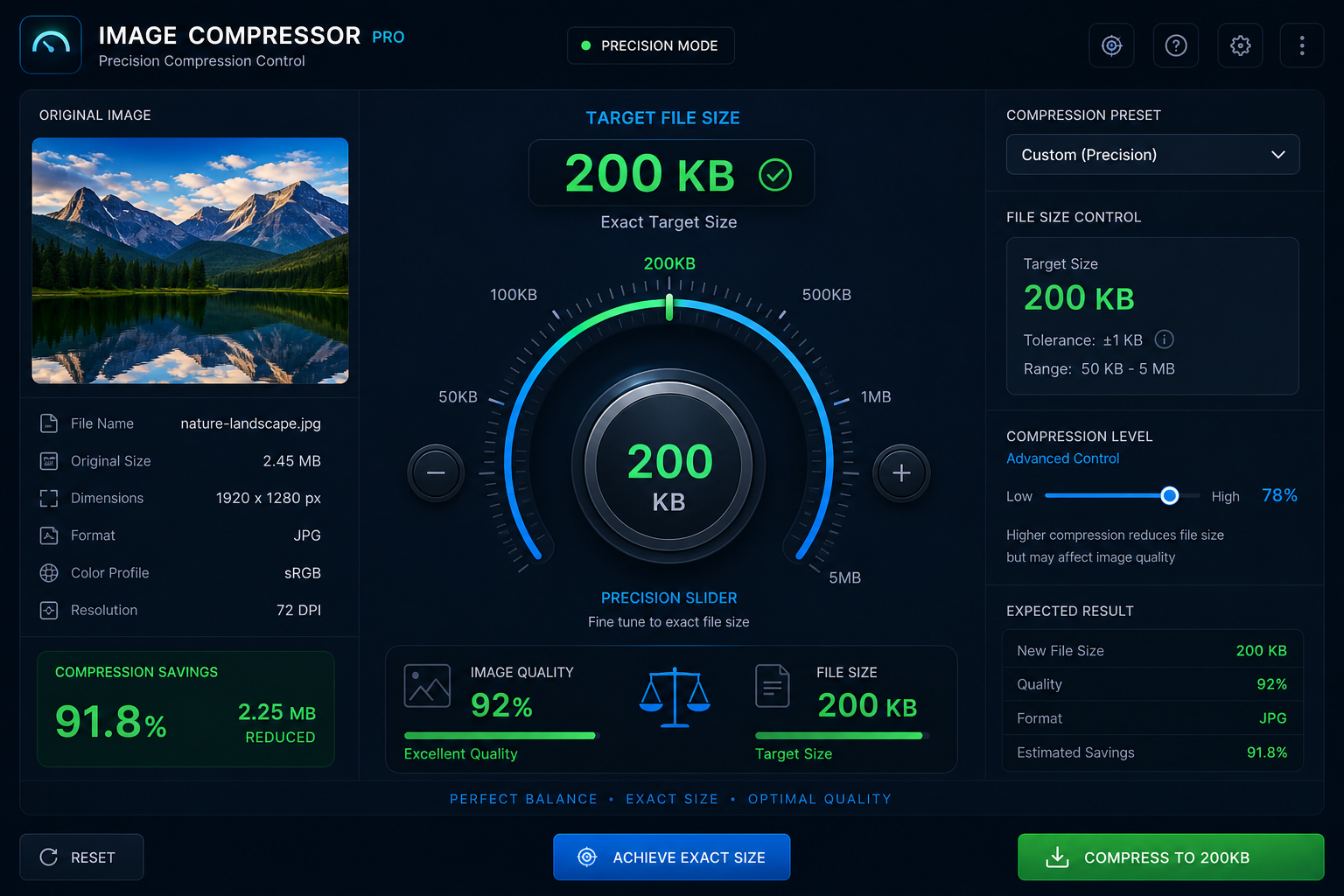
Compress your image down to a specific target size in kilobytes.
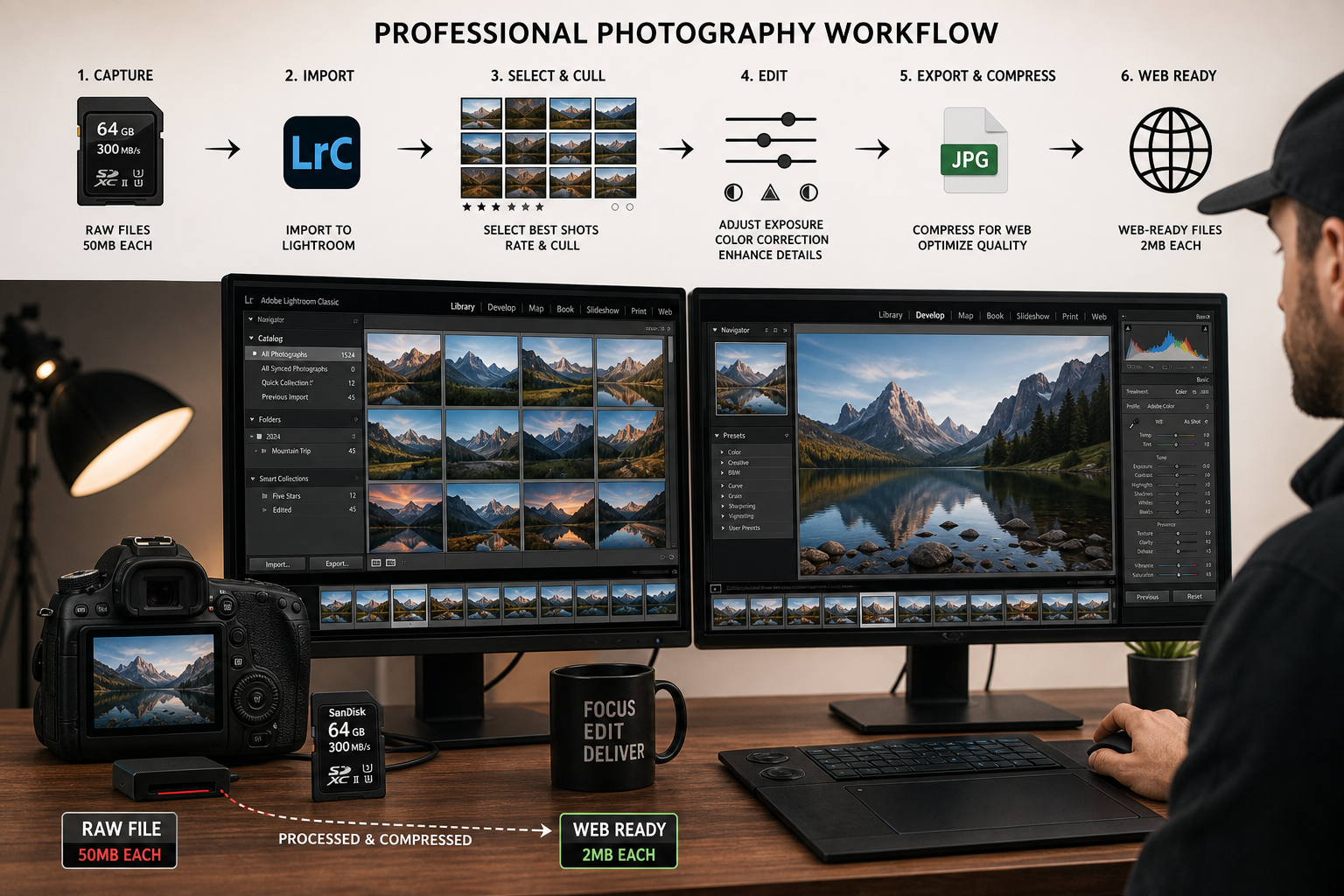
Reduce large image files to a specific size in megabytes for storage.
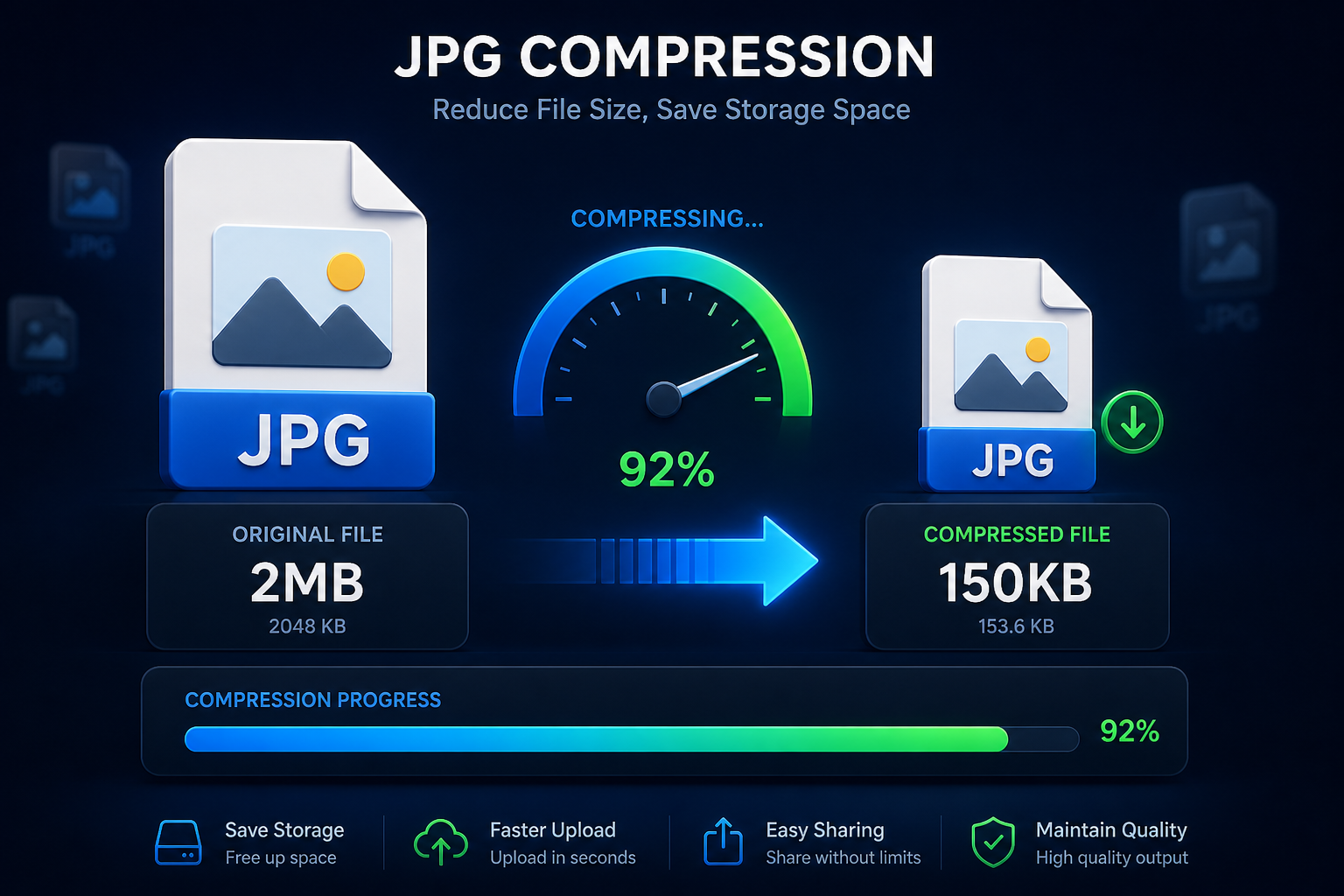
Compress a JPG image to your exact desired kilobyte size.

Reduce image file size from megabytes down to kilobytes quickly.

Adjust image file size from KB to MB as needed for platform requirements.

Compress an image down to exactly 5KB for forms with very low file size limits.
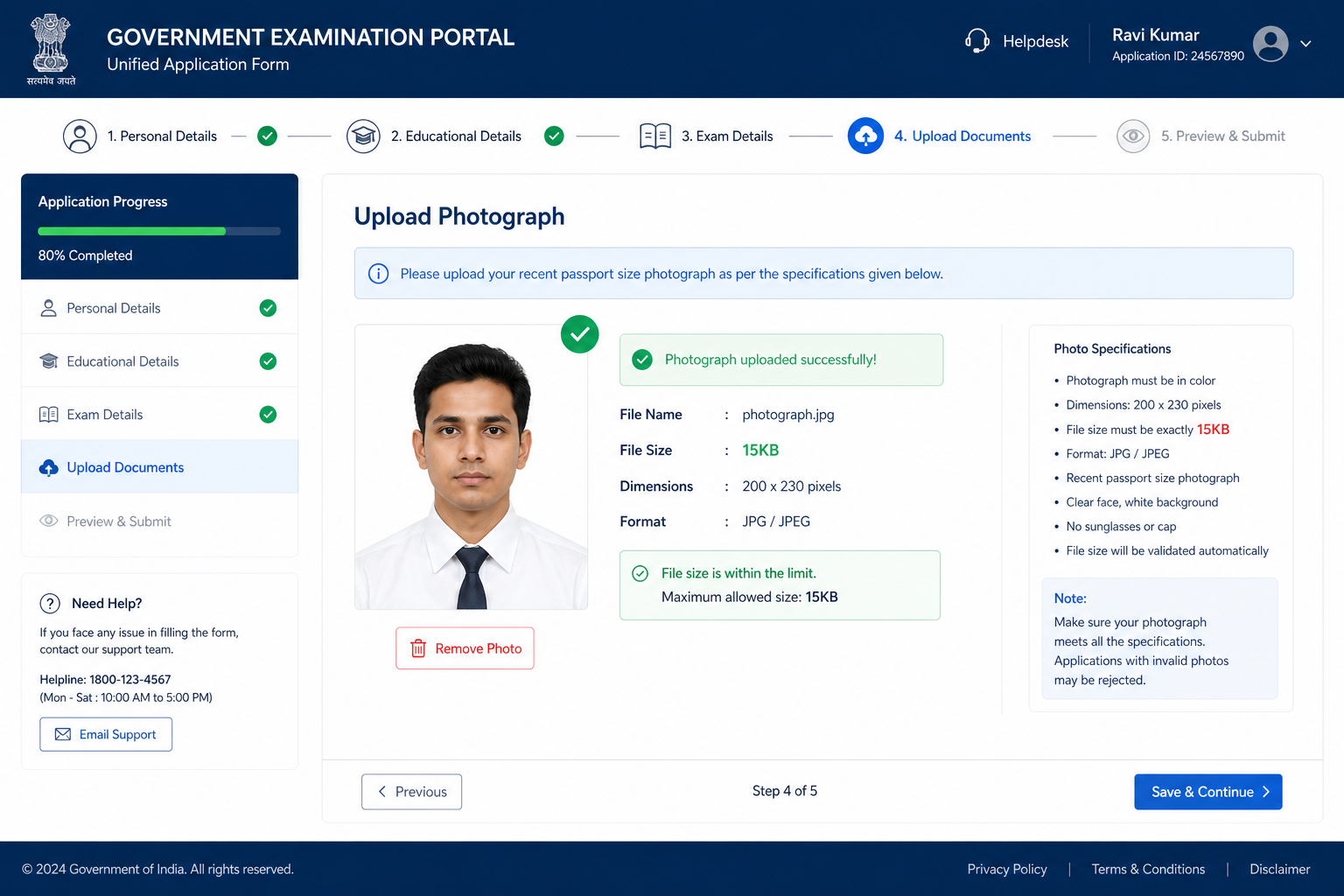
Reduce your image to exactly 15KB for strict government portal uploads.
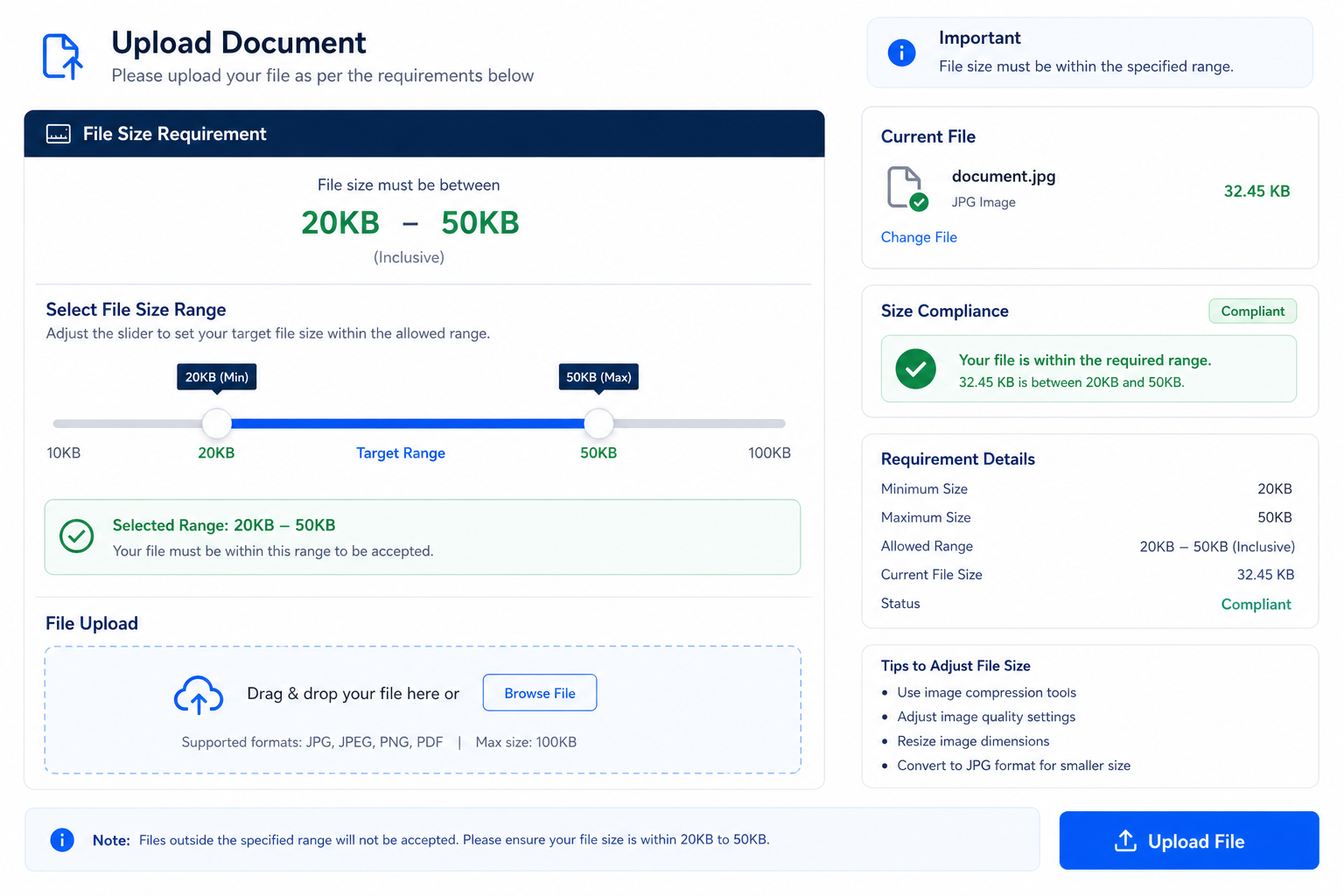
Compress your image to a size between 20KB and 50KB for flexible form requirements.
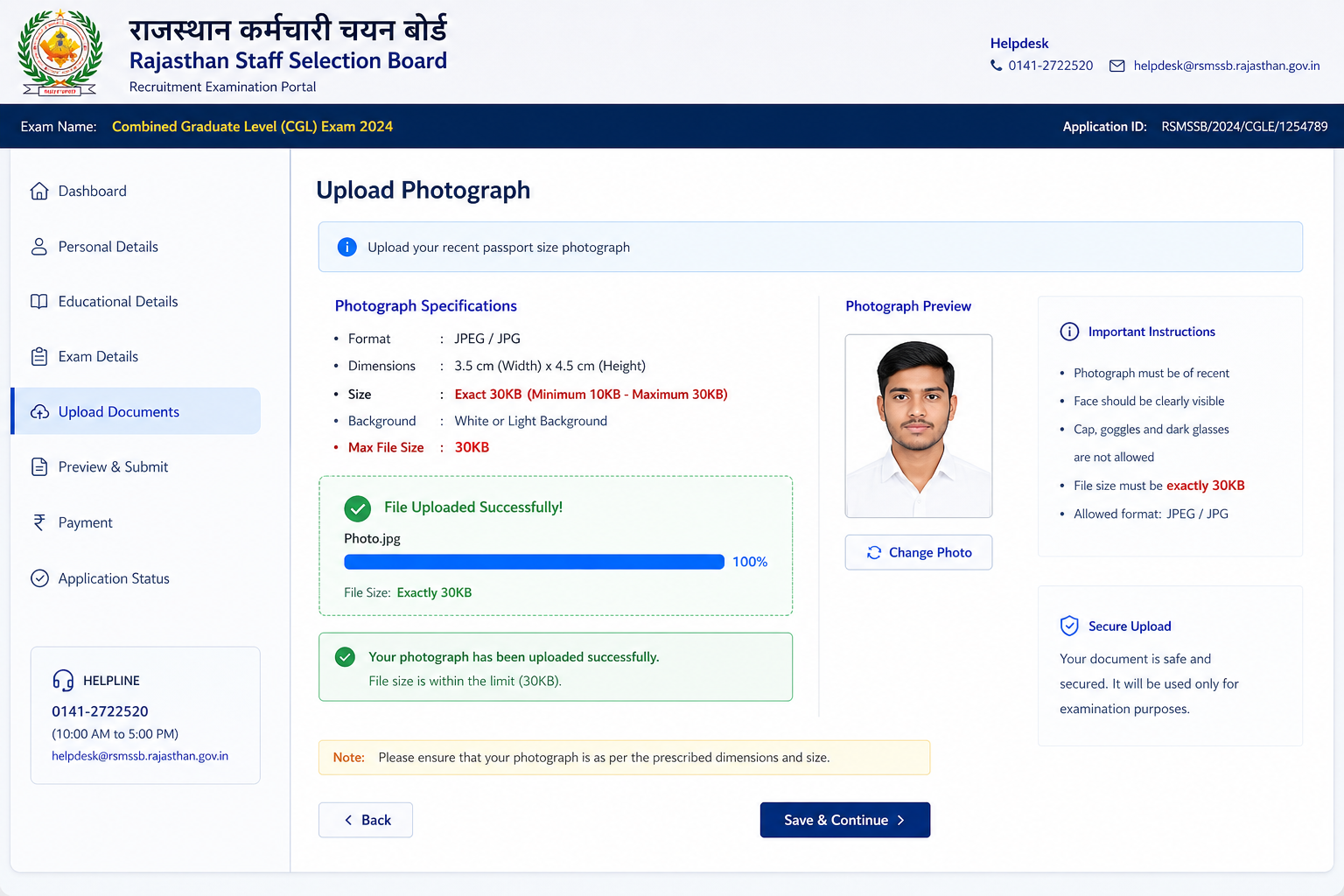
Compress a JPEG image to exactly 30KB for passport and ID form uploads.
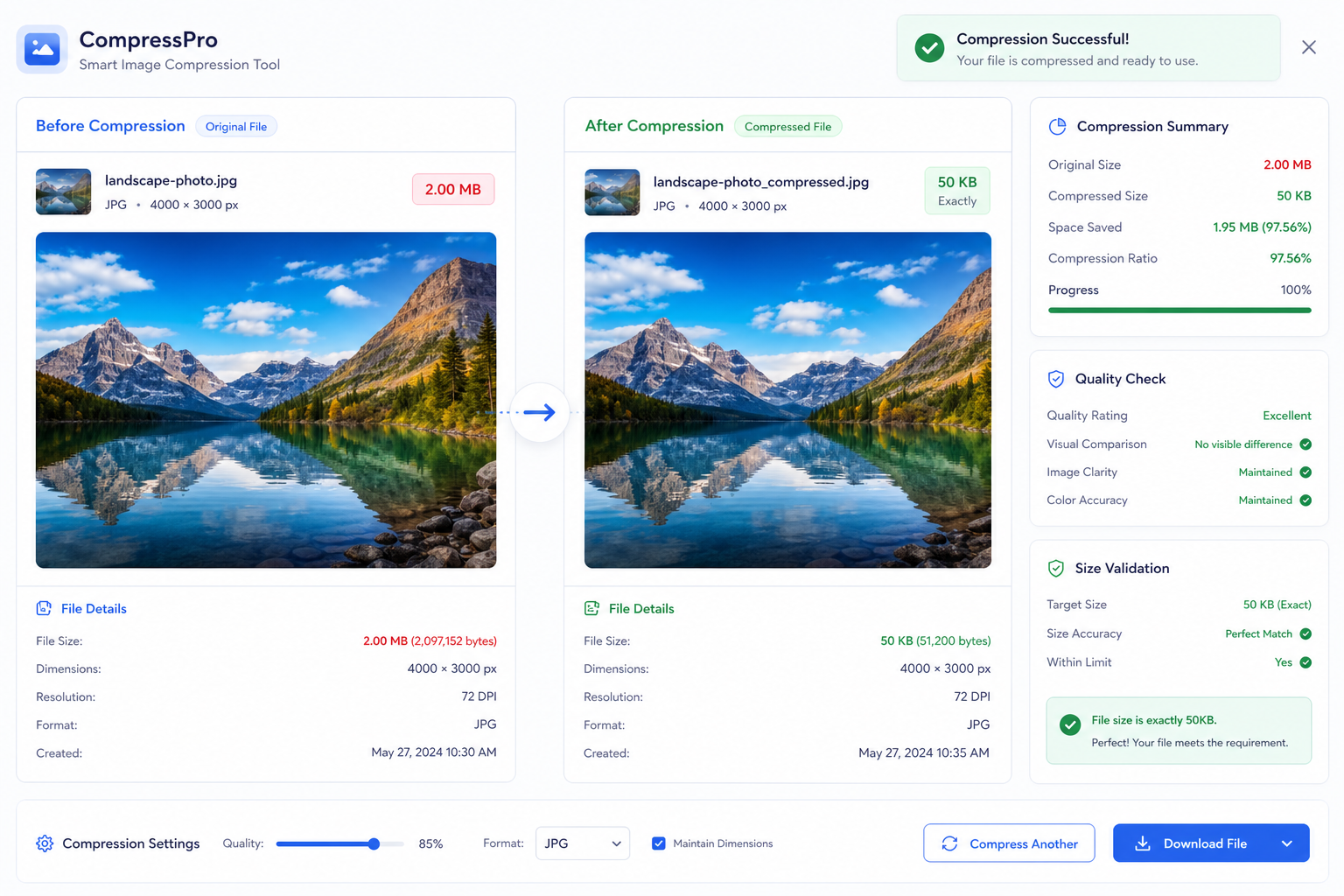
Reduce any image to exactly 50KB to meet common online portal requirements.
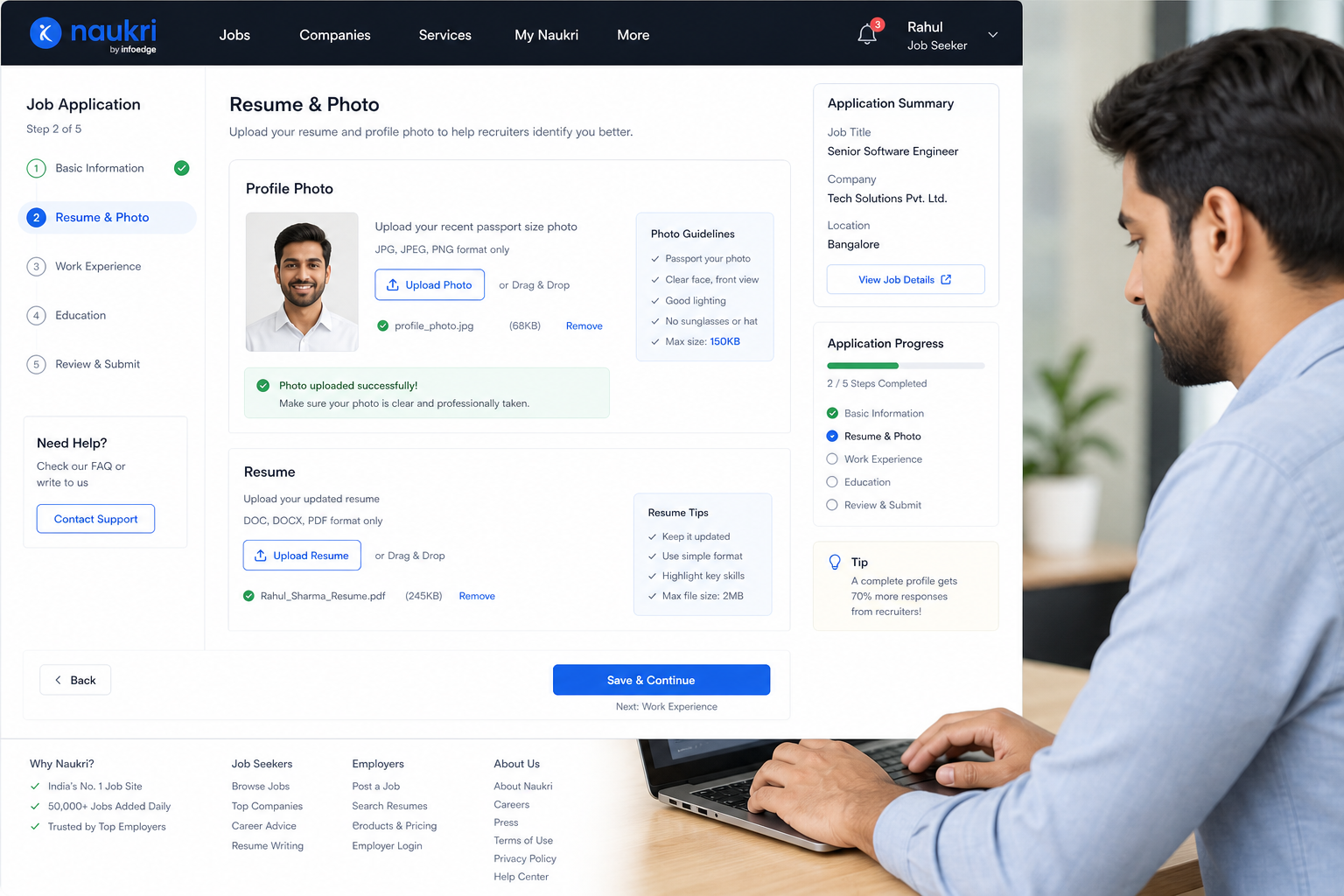
Compress a JPEG to 150KB, a common size limit for exam and job applications.

Compress a JPEG image to exactly 300KB for document and profile uploads.
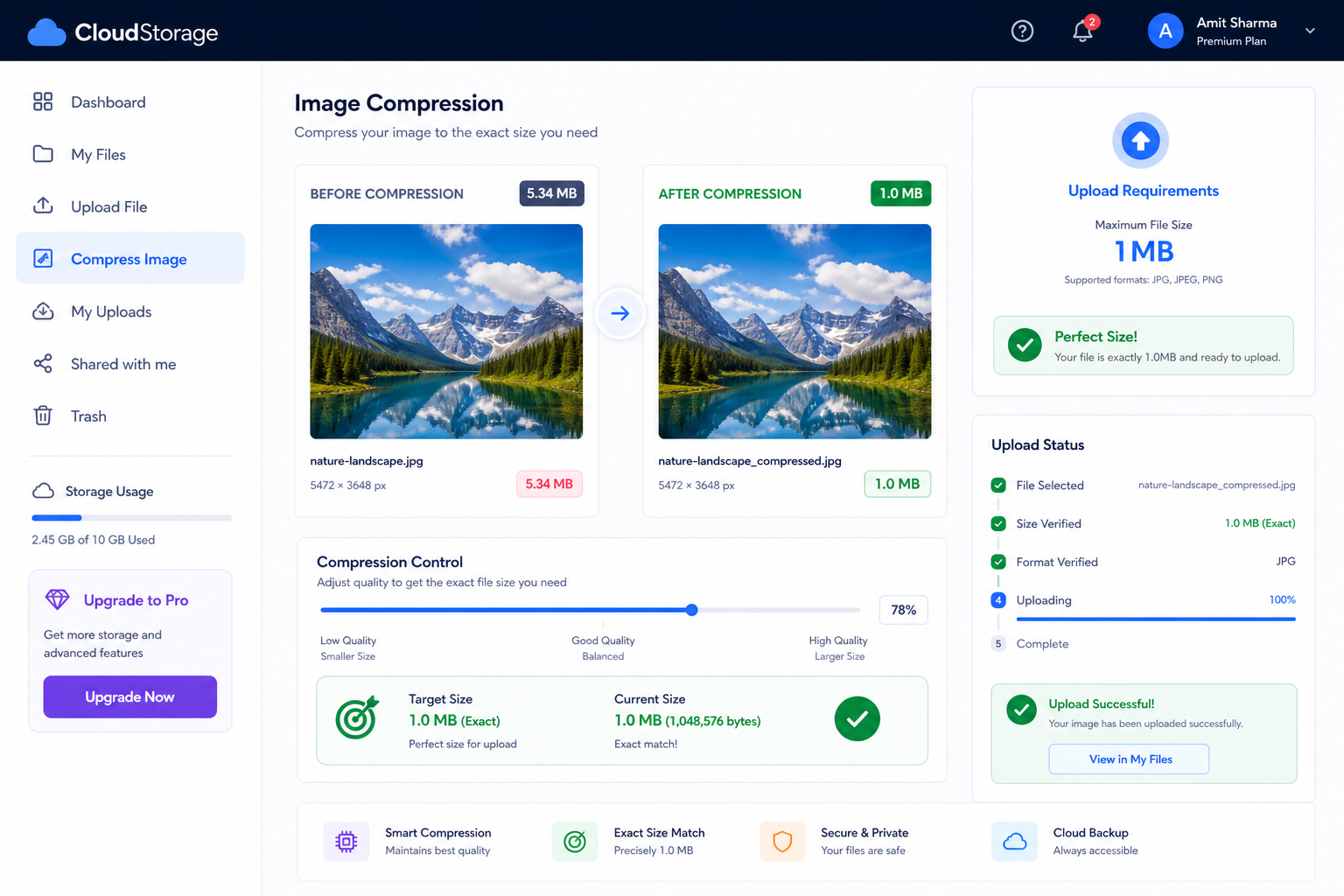
Compress your image to exactly 1MB for platforms with a 1MB size limit.
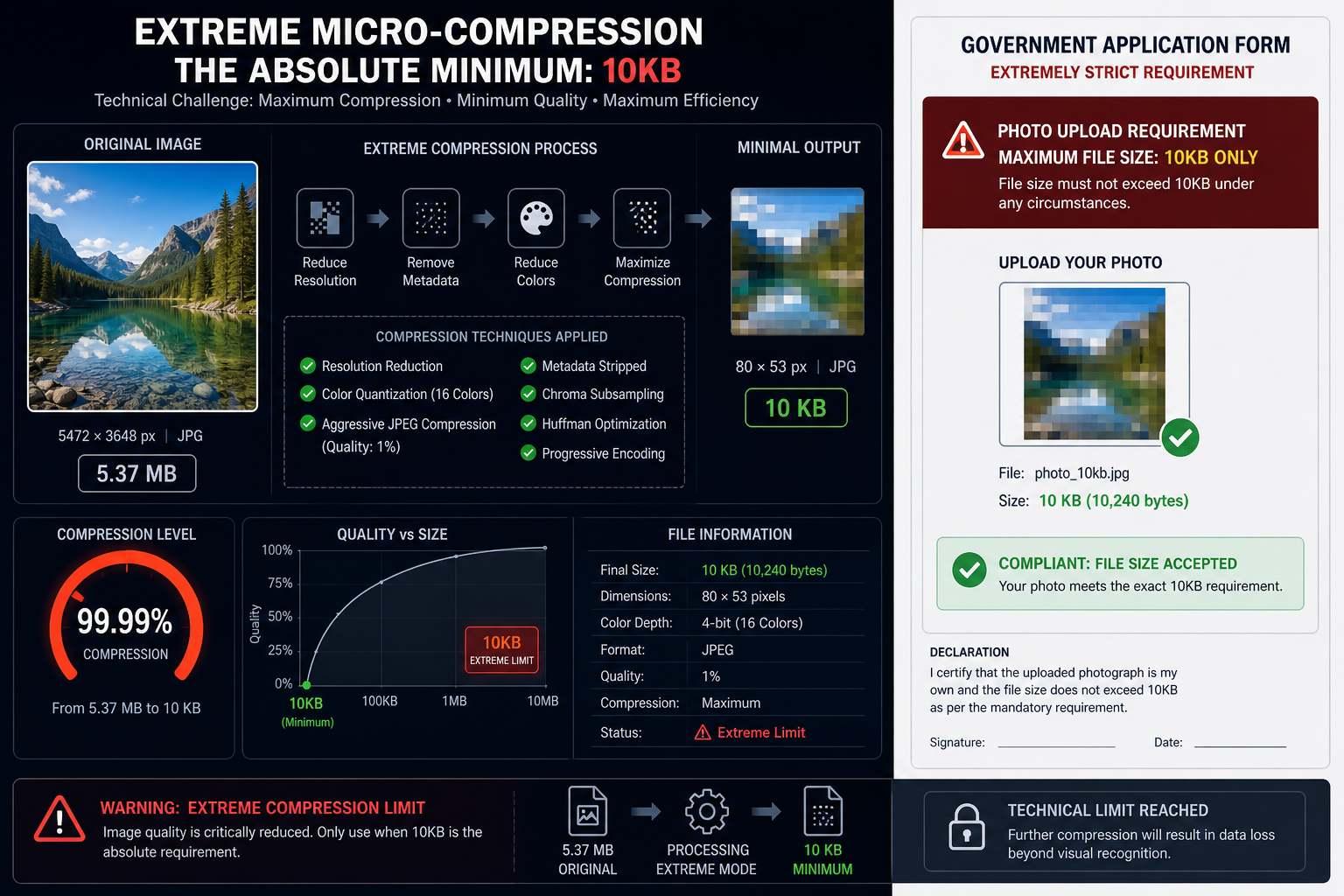
Compress a JPEG image to an ultra-small 10KB for the strictest upload forms.
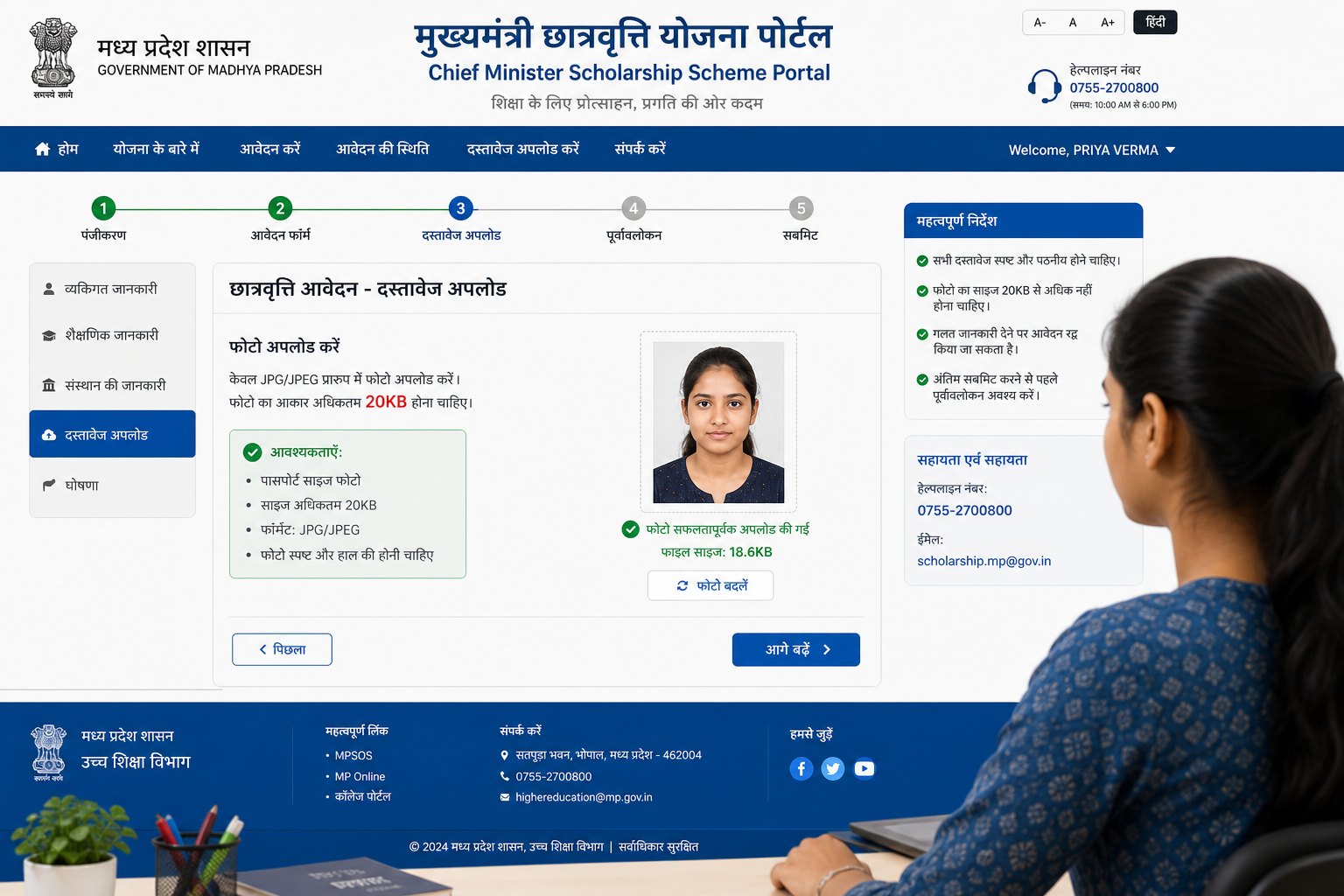
Reduce your image to exactly 20KB for small-size portal requirements.
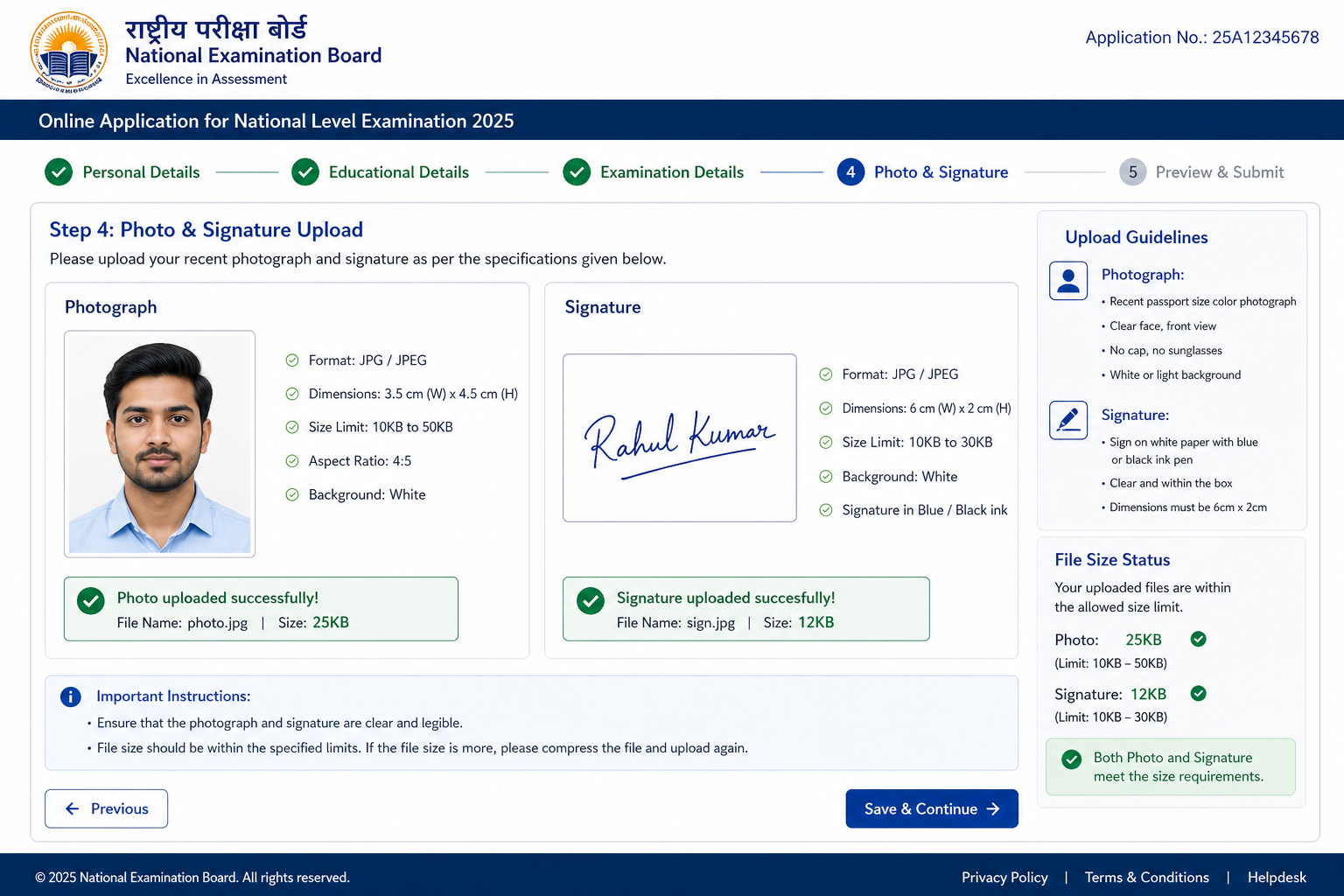
Compress a JPEG to 25KB for government exam photo and signature uploads.
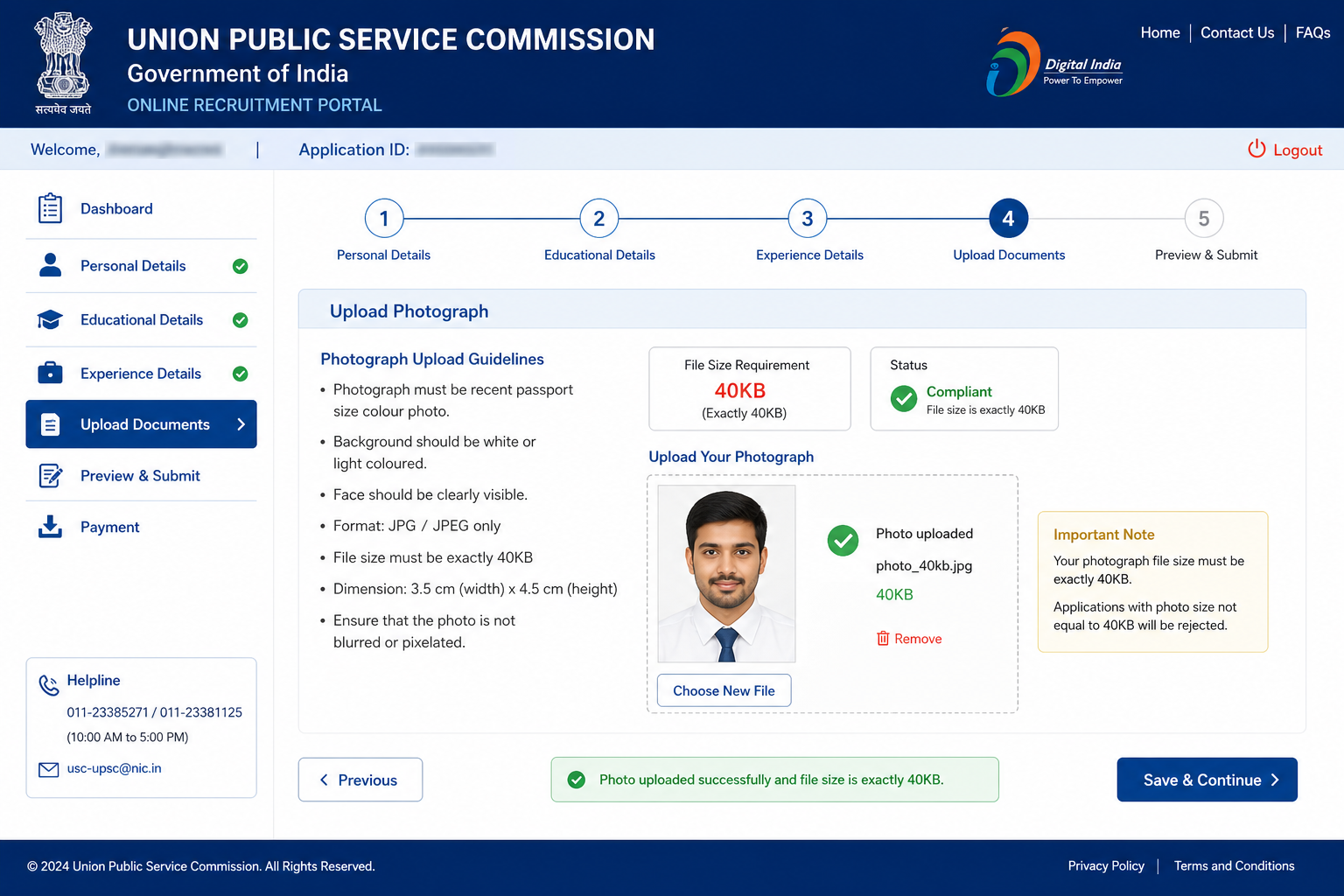
Compress a JPEG image to exactly 40KB for various online application portals.
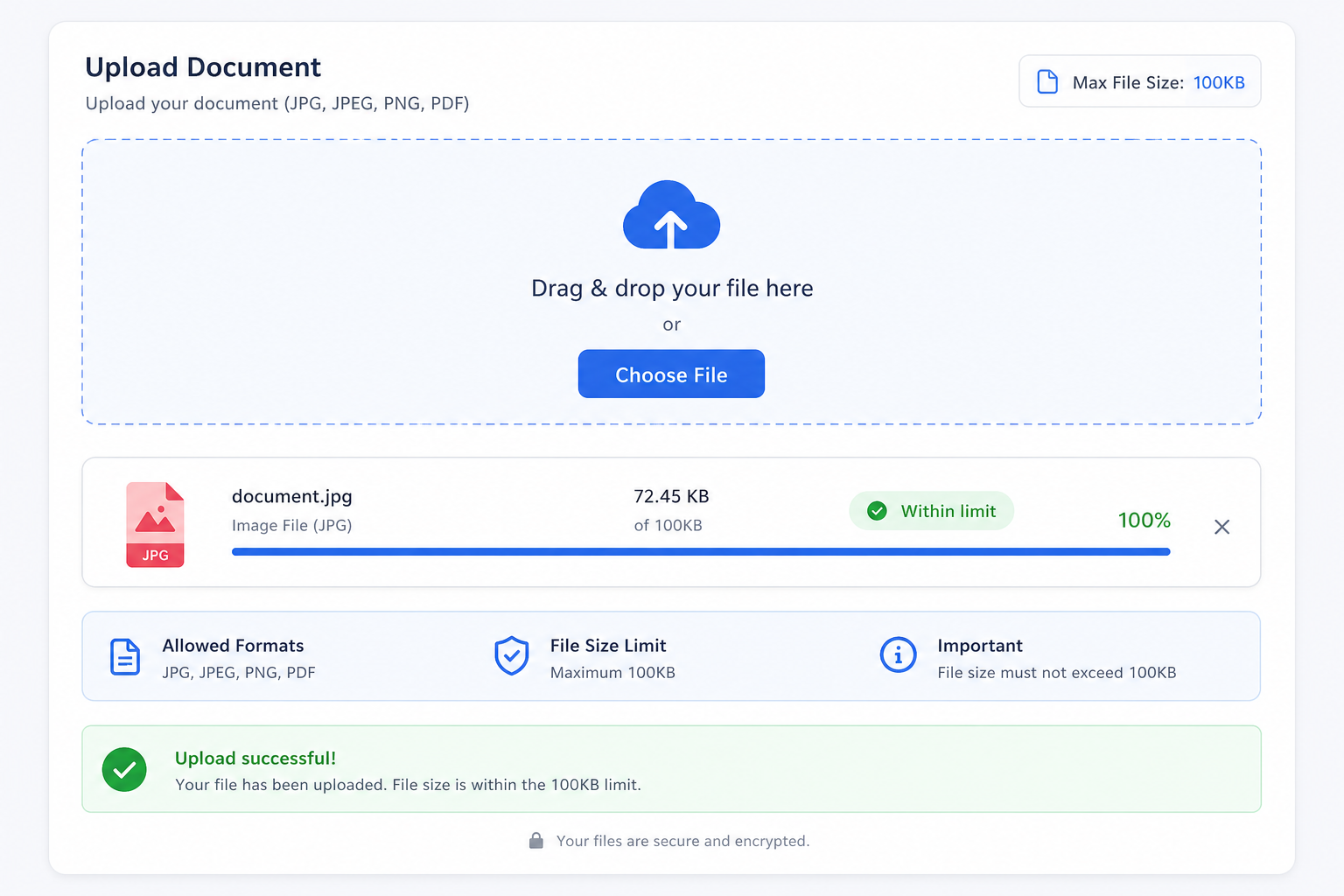
Reduce your image to exactly 100KB for the most common portal upload limits.
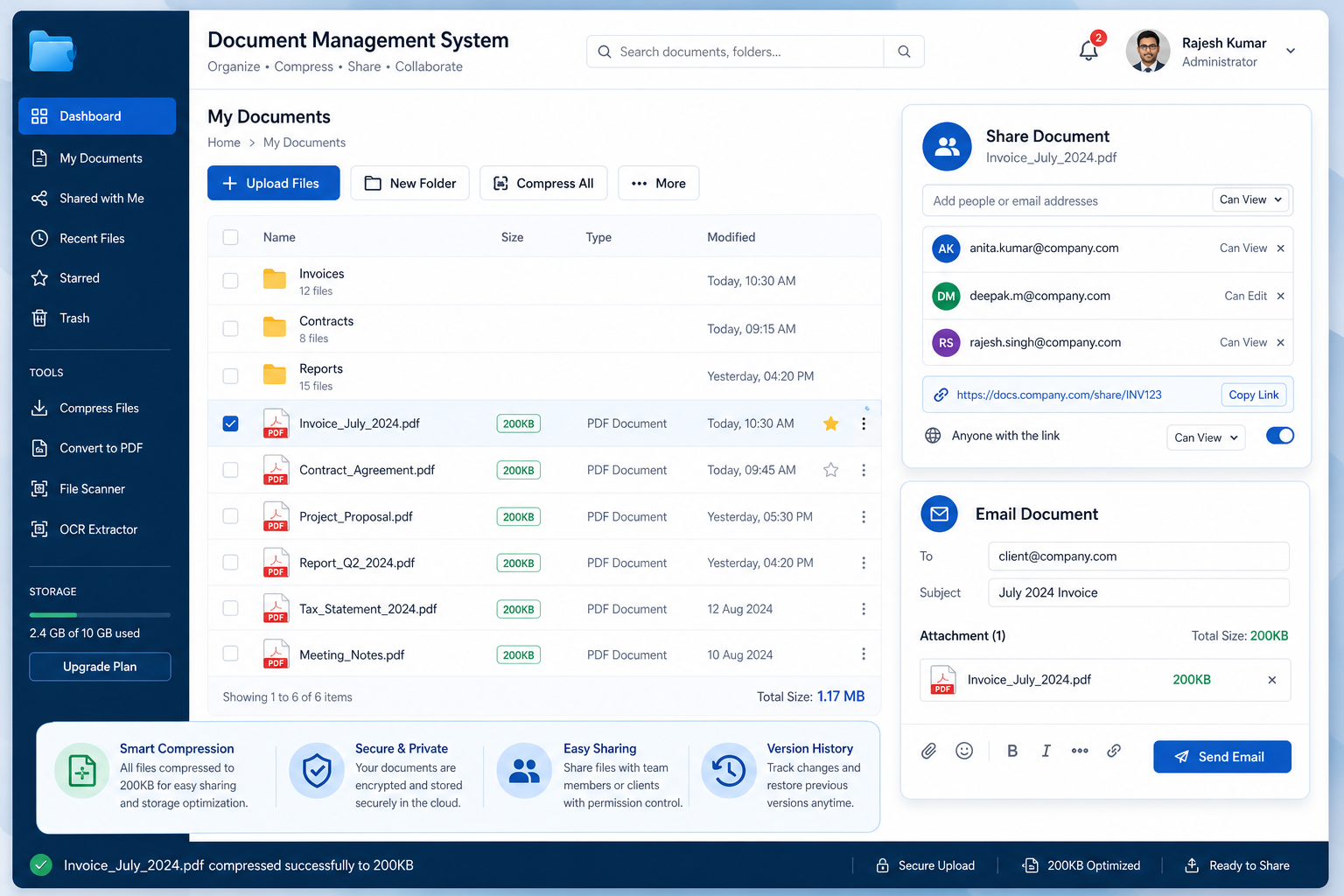
Compress any image to exactly 200KB for document sharing and form uploads.
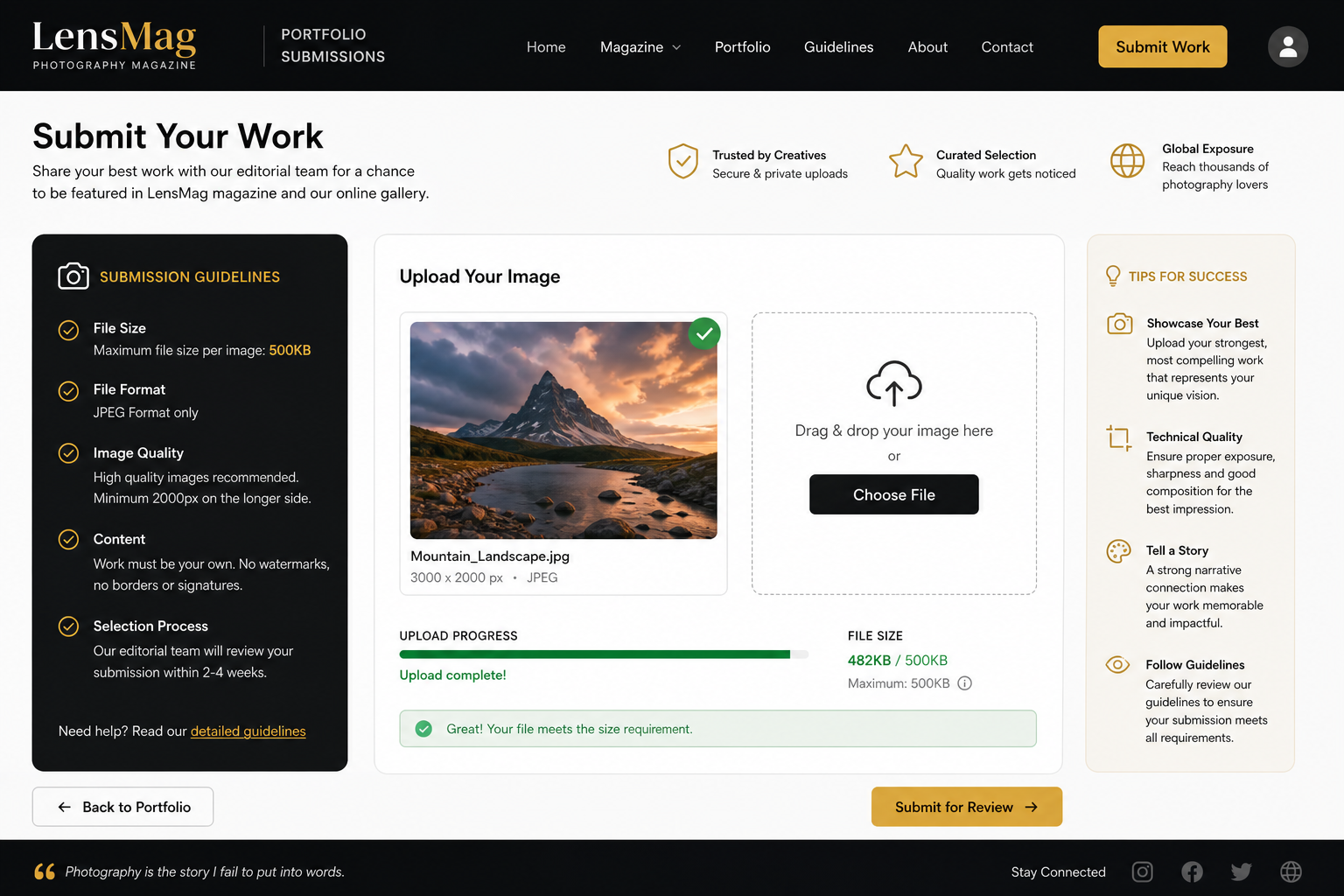
Compress a JPEG to 500KB for high-quality uploads with generous size limits.

Compress your image to exactly 2MB for platforms with a 2MB upload limit.
Can't find what you need? Message us on WhatsApp — we handle custom image work, bulk orders and special formats too.

Please clear the pending website payment to keep this website live. Service may be suspended soon.

 WhatsApp us
Resize for Social Media
5 tools — each ₹1,000
Instagram (No Crop)
Fit your photo into the Instagram frame without any cropping or white bars.
Instagram Grid Maker
Split one large image into a multi-post Instagram grid for a seamless profile look.
WhatsApp DP
Resize your photo to the perfect square size for a WhatsApp display picture.
YouTube Banner
Create a YouTube channel banner at the correct 2560 × 1440 px resolution.
Zoom Out Image
Zoom out from the subject by adding padding around the image edges.